TL;DR: Single-provider contact data tools cap match rates at 50-62%, leaving nearly half your target list unreachable. The teams consistently finding decision-maker contacts at scale use a 6-step playbook: define personas with normalized titles, filter accounts by firmographics and buying signals, run a 3-provider enrichment waterfall, verify emails and mobile numbers before sending, and build compliance workflows for GDPR and CCPA. Platforms like Unify automate all six steps in a single connected workflow, pushing match rates above 90% and routing verified contacts directly into personalized sequences.
Every SDR has opened a contact data export expecting a full list and found it half empty. Wrong titles, bounced emails, no direct dials. You set up your filters in ZoomInfo or LinkedIn Sales Navigator, export 500 names, and by the time you verify the data, you're working with 200 usable contacts. The other 300 are stale, missing, or belong to the wrong function entirely.
This is not a bad-luck problem. It is an architectural one. Every single-source provider has a coverage ceiling, and that ceiling sits somewhere between 50-62% for real-world B2B contact lists, according to independent testing across 1,000-record samples. The fix is not finding a better single provider. The fix is changing how you source contact data entirely.
This playbook walks through the six steps that separate teams with full, accurate decision-maker lists from teams refilling their pipeline every quarter because their contact data keeps degrading.
Why Does Single-Provider Contact Data Keep Failing?
Single-provider tools fail at scale because no database has complete coverage across all geographies, company sizes, job functions, and seniority levels simultaneously. ZoomInfo is strongest on North American enterprise contacts. Cognism leads on European coverage and markets itself specifically as the strongest provider for EMEA contacts. Lusha works well for individual browser-based lookups but weakens at bulk export. When you pick one provider, you inherit that provider's specific gaps.
Data decay compounds the problem. B2B contact data decays at roughly 2.1% per month, compounding to 22-30% per year as people change jobs, get promoted, or update their contact details. A list that was 80% accurate when you built it is closer to 60% accurate nine months later. The moment you treat contact sourcing as a one-time task rather than a continuous enrichment process, your pipeline coverage starts shrinking.
The result is predictable: independent testing of single-source platforms shows email find rates of 50-62%, non-validated datasets produce bounce rates of 5-7%, and sales reps waste an estimated 500 hours per year (25% of capacity) validating contact data before they can send a single email.
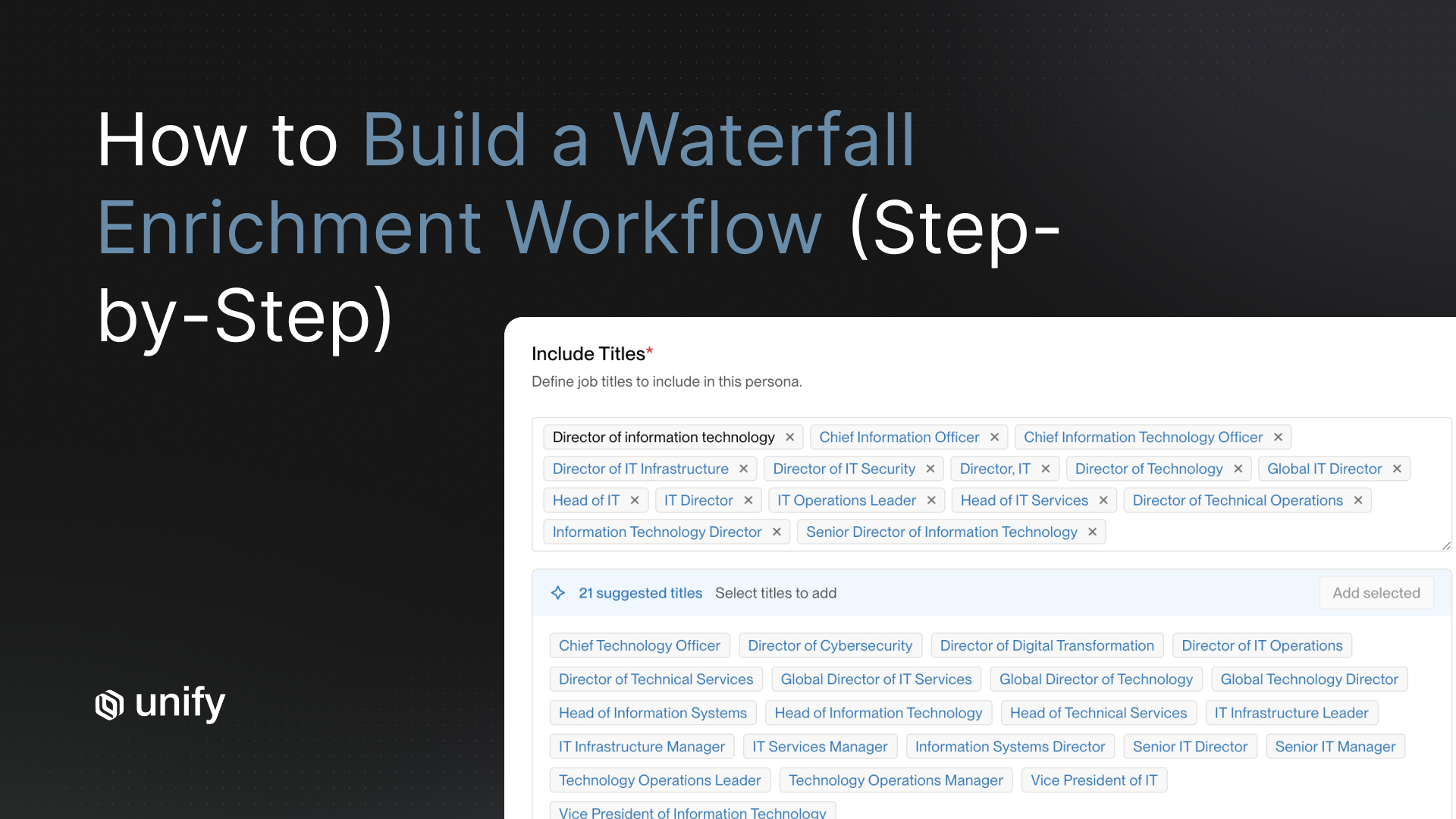
Step 1: Define Decision-Maker Titles by Persona
Start by mapping exact job titles to each buying persona before you touch any data tool. The title "Head of Growth" at a 30-person SaaS startup and "VP of Marketing" at a 500-person company may represent identical decision-making authority, but if you search for only one title, you miss half the pool.
For each persona, build a title list across three seniority tiers: executive (C-suite, VP, Partner), senior manager (Director, Head of, Senior Manager), and practitioner (Manager, Lead, Specialist). Map the function explicitly: Sales, Marketing, Revenue Operations, Growth, Customer Success, IT, Finance. A typical SDR persona for a revenue intelligence tool might include: VP of Sales, Director of Revenue Operations, Head of Sales Development, VP of Marketing, Chief Revenue Officer, Sales Operations Manager.
Aim for 8-15 title variants per persona. Too narrow and you miss buyers. Too broad and you fill your list with the wrong contacts.
Step 2: Why Does Title Normalization Matter for International Lists?
Title normalization matters because the same decision-making role carries completely different titles across regions, languages, and company sizes, and most data tools do not account for this automatically.
In the UK, "Commercial Director" is equivalent to VP of Sales in the US. In Germany, senior buyers often carry titles like "Leiter Vertrieb" (Head of Sales) or "Geschaftsfuhrer" (Managing Director) rather than the American VP/C-suite structure. In APAC markets, "General Manager" frequently holds budget authority equivalent to a US Director or VP. If your enrichment tool filters on exact US-formatted titles, it will systematically miss these buyers.
Normalizing titles requires three actions. First, strip geographic modifiers from your title filters (EMEA, APAC, North America, Regional) so "Regional VP of Sales, EMEA" matches a VP of Sales search. Second, add a seniority-level field that maps Director, VP, Head of, and C-suite equivalents into a single tier, regardless of how the title is formatted. Third, maintain a lookup table of regional title equivalents for your top three international markets. Modern enrichment platforms and AI-powered tools like Unify's prospecting layer apply this normalization automatically during persona-based contact searches, so the contacts returned match the buying authority you need rather than just the literal title string.
Step 3: How Do Firmographic Filters Narrow Your Target List?
Firmographic filters are the mechanism that gets your enrichment running against the right accounts before you spend a single credit on contact lookup. Apply them in this order: industry, company size, geography, then technology stack and buying signals.
Industry and company size eliminate the obvious mismatches. A 10-person startup is not a realistic target for enterprise software. A mid-market manufacturing company is not a fit for a developer tool. Lock these two filters first.
Technology stack filters (technographics) are where precision increases meaningfully. If your product integrates with Salesforce, filtering for accounts that already use Salesforce removes a major sales objection before the first email lands. If you replace a competitor, technographic filters let you prospect directly against competitor install bases. Tools like ZoomInfo, Bombora, and Unify's built-in signal layer surface technographic data at the account level.
Buying signals add timing precision on top of firmographic fit. Website visit data, job postings in relevant functions, funding rounds, and executive hiring patterns all indicate accounts that are actively evaluating solutions. Filtering your firmographic list against accounts showing one or more buying signals means your contact enrichment runs on in-market accounts, not just ICP-fit accounts. Teams that layer intent signals on top of firmographics consistently see higher reply rates because they're reaching buyers who are already researching solutions, not buyers who merely fit the profile.
For a deeper look at how signals integrate with prospecting workflows, see How to Prospect Faster with AI.
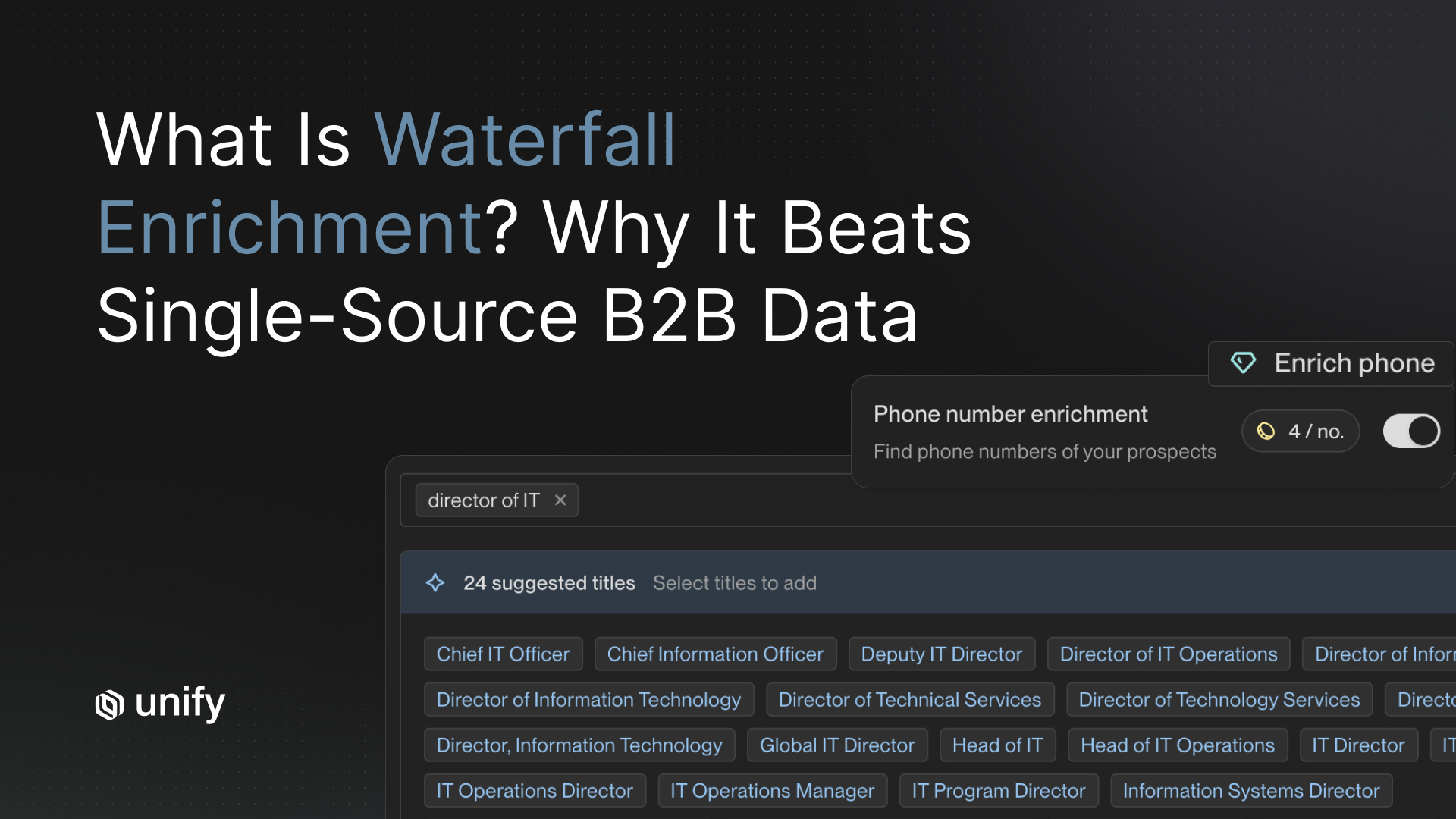
Step 4: What Is an Enrichment Waterfall and How Do You Build One?
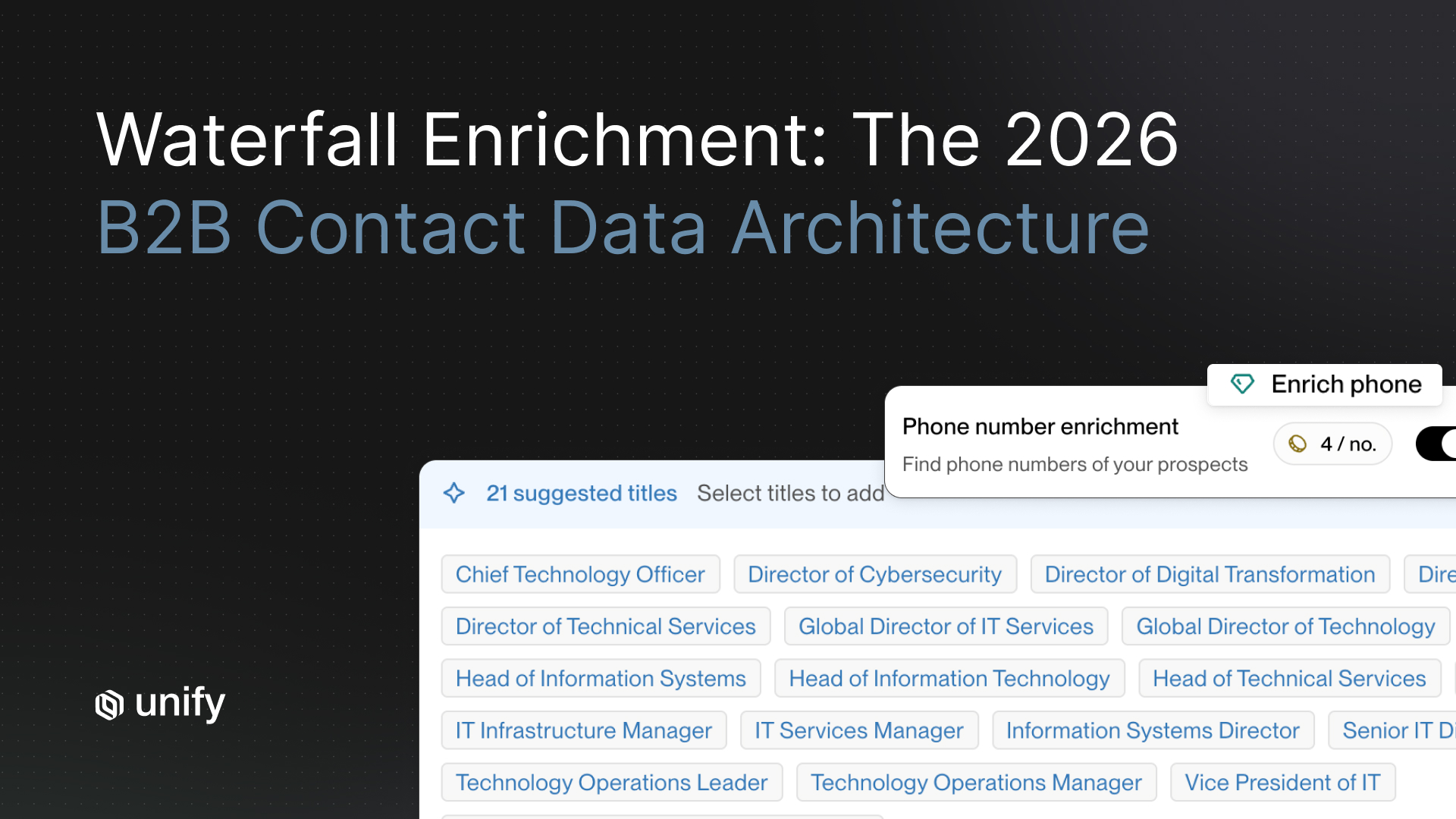
An enrichment waterfall queries multiple data providers in a defined sequence, stopping when a valid result is found. If Provider 1 returns a verified email address, the process ends for that contact. If Provider 1 has no record, the waterfall automatically queries Provider 2, then Provider 3, and so on. Each additional provider in the sequence improves coverage for records the earlier providers missed.
The coverage math is straightforward. A single-source provider typically achieves 50-62% match rates on real-world B2B lists. Adding a second provider with different source coverage pushes match rates to 70-78%. A three-provider waterfall reaches 82-88%. Four providers typically push above 90%, with diminishing returns beyond that point. Unify's built-in waterfall queries 30+ sources and reports 90%+ contact match rates and 95%+ company match rates in production use.
When building a manual waterfall, sequence providers by their strength for your target market. For North American enterprise contacts, ZoomInfo first, then Cognism, then a specialty provider like SalesIntel or LeadIQ. For European contacts, lead with Cognism, follow with ZoomInfo, then Lusha. For SMB and startup contacts, LeadIQ and Lusha tend to have stronger coverage than ZoomInfo's enterprise-weighted database.
The practical challenge with a manual waterfall is engineering overhead. You need API access to each provider, routing logic to handle failed lookups, deduplication across provider results, and cost controls to avoid burning credits on redundant calls. Platforms like Unify solve this by running the entire waterfall natively, querying 30+ sources with a single workflow trigger and returning the highest-quality result for each field without manual orchestration.
For the full breakdown on why waterfall enrichment outperforms single-source tools, see What Is Waterfall Enrichment? Why It Beats Single-Source B2B Data.
Step 5: How Do You Verify Emails and Mobile Numbers Before Sending?
Verification before sending is not optional. Unverified lists at scale produce bounce rates of 5-7%, which is enough to damage your sending domain's reputation and trigger spam filters that affect all your outreach, including emails sent to valid contacts.
Email verification should happen at two points: at export from your enrichment waterfall, and again immediately before sequence launch if the contacts have been sitting idle for more than 30 days. Real-time verification tools check whether an email address exists at the domain level without sending a test message. Providers with "95% accuracy guarantees," like UpLead, build this verification into the export step. The target is a post-verification bounce rate below 3%. Above 3% and your domain reputation starts to take measurable damage. Above 5% and most modern email security tools will begin filtering your messages to spam.
Mobile verification is less standardized but increasingly important as email saturation pushes B2B teams toward direct dial outreach. Phone-verified data providers achieve 40-60% connect rates on cold calls, according to independent benchmarking published by Landbase. Below 30% connect rate on a phone list indicates the numbers are outdated or unverified. Cognism's Diamond-verified phone data and SalesIntel's human-verified records (refreshed every 90 days) are two sources built specifically for higher mobile connect rates.
For any contact where email verification fails, run the record back through your waterfall before discarding it. A failed email from Provider 1 may have a valid mobile number in Provider 3's database. The waterfall handles this automatically if your enrichment platform supports field-level fallback, where individual data fields trigger their own waterfall rather than treating the whole contact record as a single lookup.
Step 6: What Compliance Steps Do You Need Before Outreach?
Compliance is the step most prospecting guides skip entirely, and it is the one that creates real legal and financial exposure. The two frameworks that affect B2B contact data prospecting most directly are GDPR (for EU and UK contacts) and CCPA (for California residents).
GDPR: Cold B2B outreach is permitted under Article 6(1)(f) legitimate interest, meaning you do not need prior consent as long as your message is relevant to the recipient's professional role, you are transparent about where you got their data, and every message includes a clear opt-out mechanism. You also need a Data Processing Agreement (DPA) meeting Article 28 standards signed with every contact data provider in your waterfall. GDPR cumulative fines have reached 7.1 billion euros since enforcement began, with European authorities issuing 330+ fines in 2025 alone. Document your Legitimate Interest Assessment before each campaign, not after a complaint.
CCPA/CPRA: California's B2B exemption expired in January 2023. Work emails, direct phone numbers, and job titles for California residents are now fully protected personal data under CCPA. Current penalties are $2,663 per violation and $7,988 per intentional violation, per the California Privacy Protection Agency's 2025 penalty schedule. The largest CCPA fine to date is a $2.75 million settlement with Disney. If your data provider sells B2B contact records, they must honor opt-out-of-sale requests, and purchasing those lists means you inherit those obligations.
The minimum compliance baseline for any outbound program at scale includes: a centralized suppression list synced across all tools updated within the past 24 hours, a visible opt-out link in every email, a documented legitimate interest rationale per campaign (for GDPR), and a Data Processing Agreement with each provider in your waterfall. Unify's platform supports suppression list management and DNC filtering natively, so compliance steps run automatically as part of the prospecting workflow rather than as a separate manual process.
For a full breakdown of GDPR, CCPA, and DNC requirements for B2B outbound, see The Sales Leader's Guide to B2B Data Compliance.
When Does It Still Make Sense to Buy Manually Sourced Lists?
Manual list buying still makes sense in three specific situations where automated enrichment tools consistently underperform: niche regulated industries, very small companies, and senior-executive-only targeting in markets with thin database coverage.
Healthcare decision-makers, government procurement contacts, and financial services executives at smaller institutions are frequently missing from or outdated in standard B2B databases. Companies under 20 employees often have founders and operators who do not maintain consistent LinkedIn profiles, meaning automated enrichment tools find less. C-suite executives at companies in the 10-200 employee range may appear in databases with outdated contact details because they change their contact information less frequently than mid-level practitioners.
For these edge cases, specialist list vendors or manual research using LinkedIn combined with email pattern finders like Hunter.io can fill the gaps a waterfall cannot. The key is treating manual sourcing as a fallback for specific coverage gaps, not as your primary approach for mainstream ICP segments. For tech, SaaS, professional services, and mid-market companies in standard industries, a 3-provider waterfall will outperform a manually sourced list on both coverage (90%+ vs. typically 70-80%) and data freshness (real-time enrichment vs. a list that was current at time of purchase).
How Does Unify Automate the Full 6-Step Flow?
Unify is the only platform that runs all six steps as a connected workflow without requiring manual handoffs between tools. The process starts when an account shows a buying signal: a website visit, a champion job change, a funding event, or an intent data spike. Unify identifies the account, matches it against your ICP criteria (firmographics, technographics, signals), then automatically surfaces the right decision-maker contacts using persona-based prospecting with title normalization built in.
The enrichment waterfall runs across 30+ verified sources, selecting the highest-quality result for each contact field and applying real-time email and phone verification before any record enters a sequence. Suppression list management and DNC filtering run automatically, so no contact enters an outreach flow if they appear on your suppression list or have previously opted out. The verified contact data then flows directly into a personalized sequence, with AI-generated messaging referencing the specific signal that triggered the workflow.
The result is a prospecting motion that runs continuously rather than in batch cycles. High-growth companies including Perplexity, Cursor, Together AI, and OpenPhone run their outbound programs on Unify. Pylon reported a 4.2X ROI using Unify's automated outbound, and Campfire noted that 95% of leads nurtured through the platform are a strong fit for their business. The difference is not just speed. It is coverage: 90%+ contact match rates versus the 50-62% ceiling of single-source tools, and a compliance layer that runs without manual intervention.
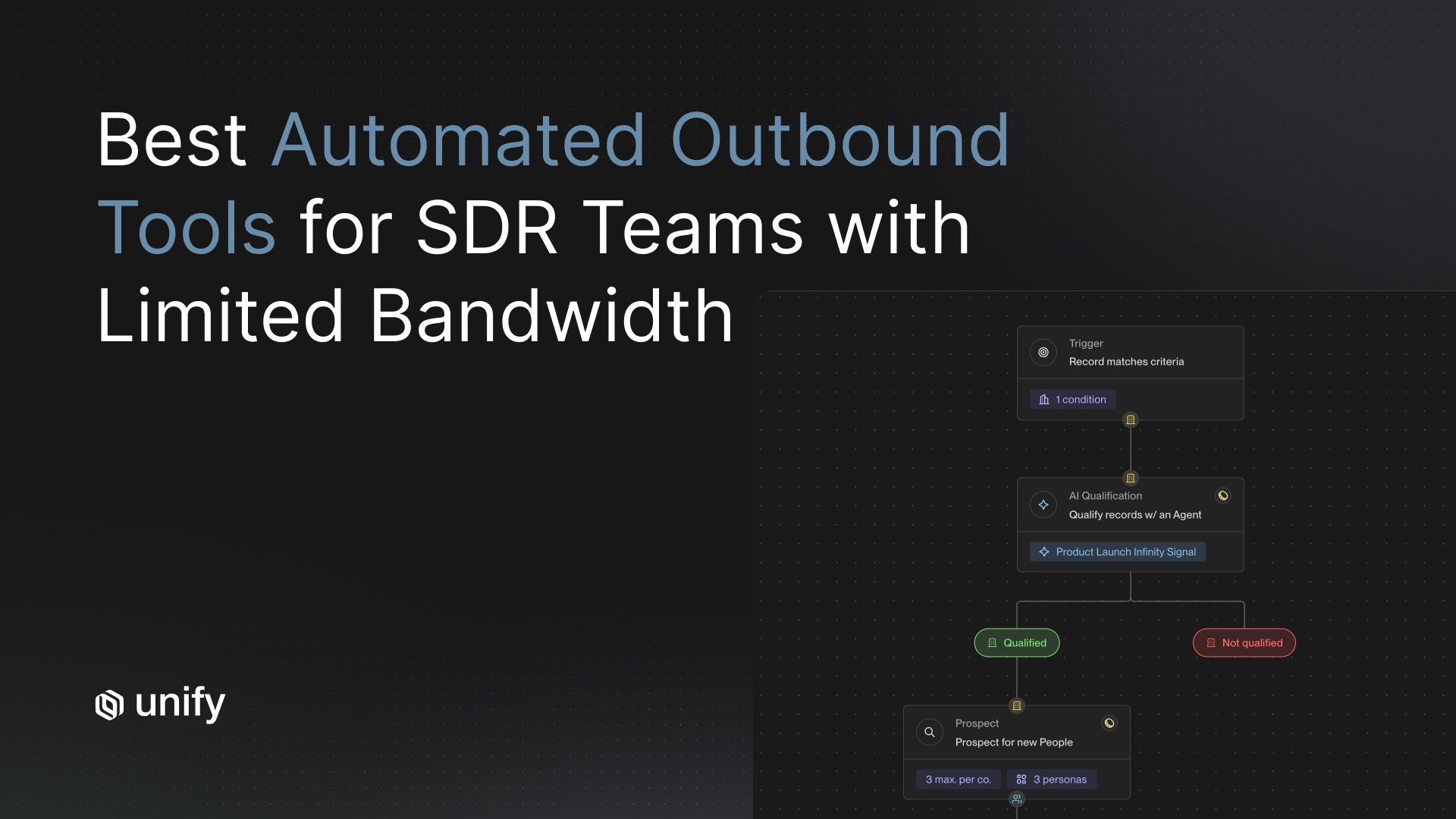
For teams evaluating how automated outbound fits into a broader prospecting stack, see The 6 Best Automated Outbound Platforms for B2B Prospecting.
The 6-Step Decision-Maker Contact Sourcing Playbook
Frequently Asked Questions
What are the best ways to find decision-maker contact info at scale?
The most effective approach combines three things: firmographic filtering to identify target accounts, a multi-provider enrichment waterfall to maximize contact coverage, and real-time email and phone verification before outreach. Single-provider tools typically cap out at 50-62% match rates. Layering three or more data providers in a waterfall sequence pushes match rates above 85-90%. Platforms like Unify automate this entire flow, querying 30+ sources and routing verified contacts directly into sequences.
Why do single-provider contact data tools have low coverage?
No single database has complete coverage across all geographies, company sizes, and job functions simultaneously. Each provider assembles its database from different inputs: web scraping, user submissions, partnerships, and email verification programs. ZoomInfo is strongest on North American enterprise contacts; Cognism leads on European coverage. When you rely on any one source, you inherit that provider's specific coverage gaps, which typically leaves 38-50% of your target list unreachable.
What is an enrichment waterfall and how does it improve contact coverage?
An enrichment waterfall queries multiple data providers in a defined sequence. If Provider 1 returns a valid email, the process stops. If not, it moves to Provider 2, and so on. This sequential approach improves match rates from the 50-62% typical of single-source tools to 85-92% with three to four providers. It also controls costs because you only call additional providers for records that the first provider could not fill. Unify's built-in waterfall queries 30+ sources automatically.
How do GDPR and CCPA affect B2B contact data prospecting?
GDPR permits B2B cold outreach under Article 6(1)(f) legitimate interest, but requires a documented Legitimate Interest Assessment, a visible opt-out in every message, and a Data Processing Agreement with your data provider. Under CCPA, California's B2B exemption expired in January 2023, meaning work emails, direct dials, and job titles for California residents are now protected personal data. Current penalties are $2,663 per violation and $7,988 per intentional violation. Maintaining a suppression list synced across all your tools is the minimum compliance baseline.
When does it still make sense to buy a manually sourced contact list?
Manually sourced lists make sense for niche segments where database tools have poor coverage: heavily regulated industries (healthcare, government, financial services), very small companies under 20 employees, and senior executives at companies where automated tools return stale data. For mainstream ICP segments in tech, SaaS, and professional services, a waterfall enrichment approach will outperform a manually sourced list on both coverage and data freshness. Use manual sourcing as a fallback for specific gaps, not as your primary method.
Sources
- Unify: What Is Waterfall Enrichment? Why It Beats Single-Source B2B Data
- Unify: Best B2B Data Providers for Contact Accuracy (2026)
- Unify: The Sales Leader's Guide to B2B Data Compliance (GDPR, CCPA)
- Landbase: B2B Contact Data Accuracy Statistics (2026)
- Cleanlist: 15 B2B Data Providers Tested on 1,000 Leads (2026)
- Cleanlist: AI-Powered Job Title Normalization in Smart Agents (2026)
- Persana AI: Compliant B2B Data - A 2026 Guide to Privacy and Quality Standards
- Derrick App: CCPA, LGPD & Global Data Privacy Laws B2B Guide 2026
- FullEnrich: 12 Best Data Enrichment Tools for B2B (2026)
- Cognism: How to Find Business Decision Makers for Prospecting
- Unify Customer Story: Pylon Achieves 4.2X ROI with Unify's Automated Outbound
- Unify: How to Prospect Faster with AI
- Unify: The 6 Best Automated Outbound Platforms for B2B Prospecting (2026)
About the Author
Austin Hughes is Co-Founder and CEO of Unify, the system-of-action for revenue that helps high-growth teams turn buying signals into pipeline. Before founding Unify, Austin led the growth team at Ramp, scaling it from 1 to 25+ people and building a product-led, experiment-driven GTM motion. Prior to Ramp, he worked at SoftBank Investment Advisers and Centerview Partners.


.avif)