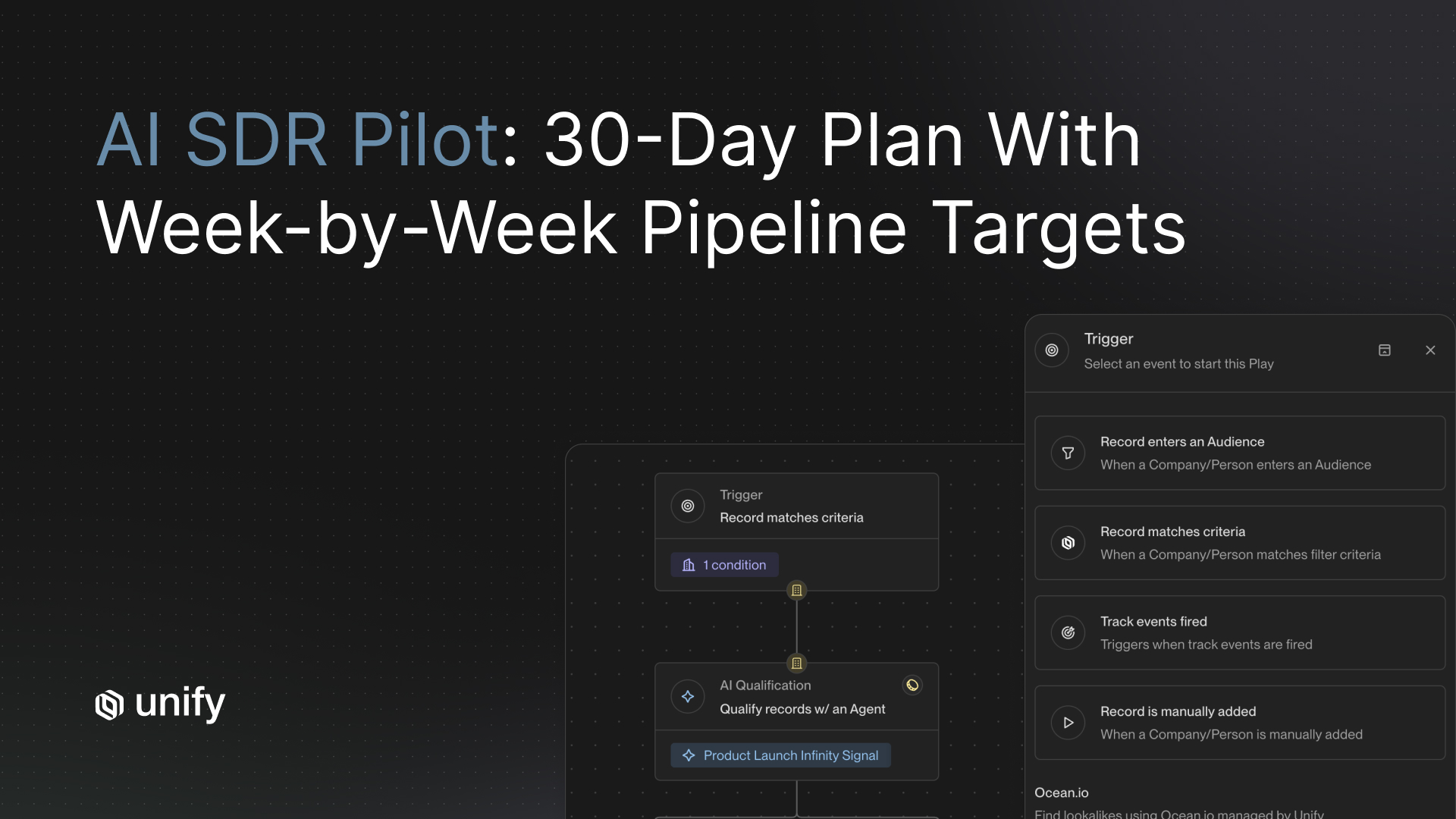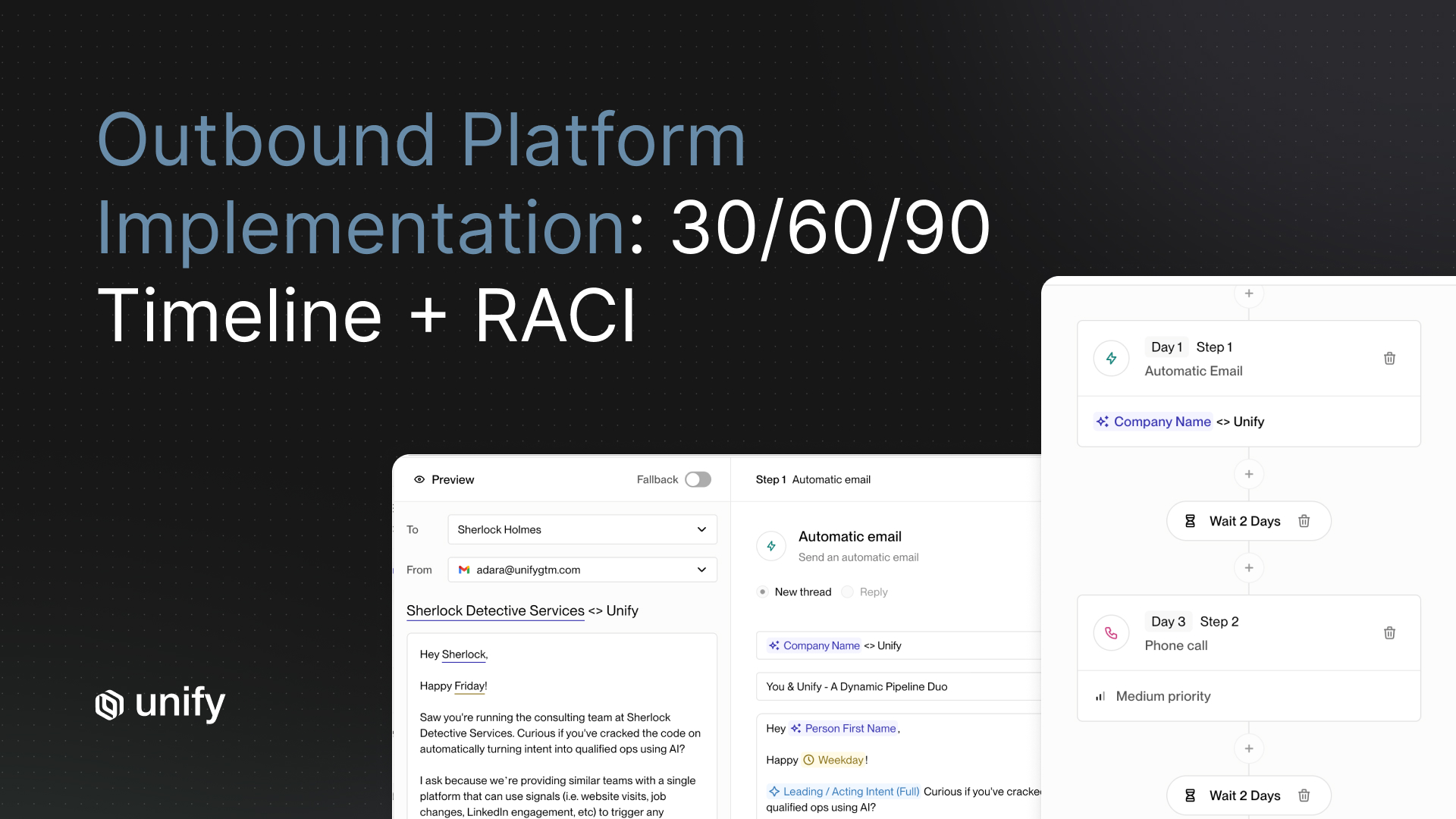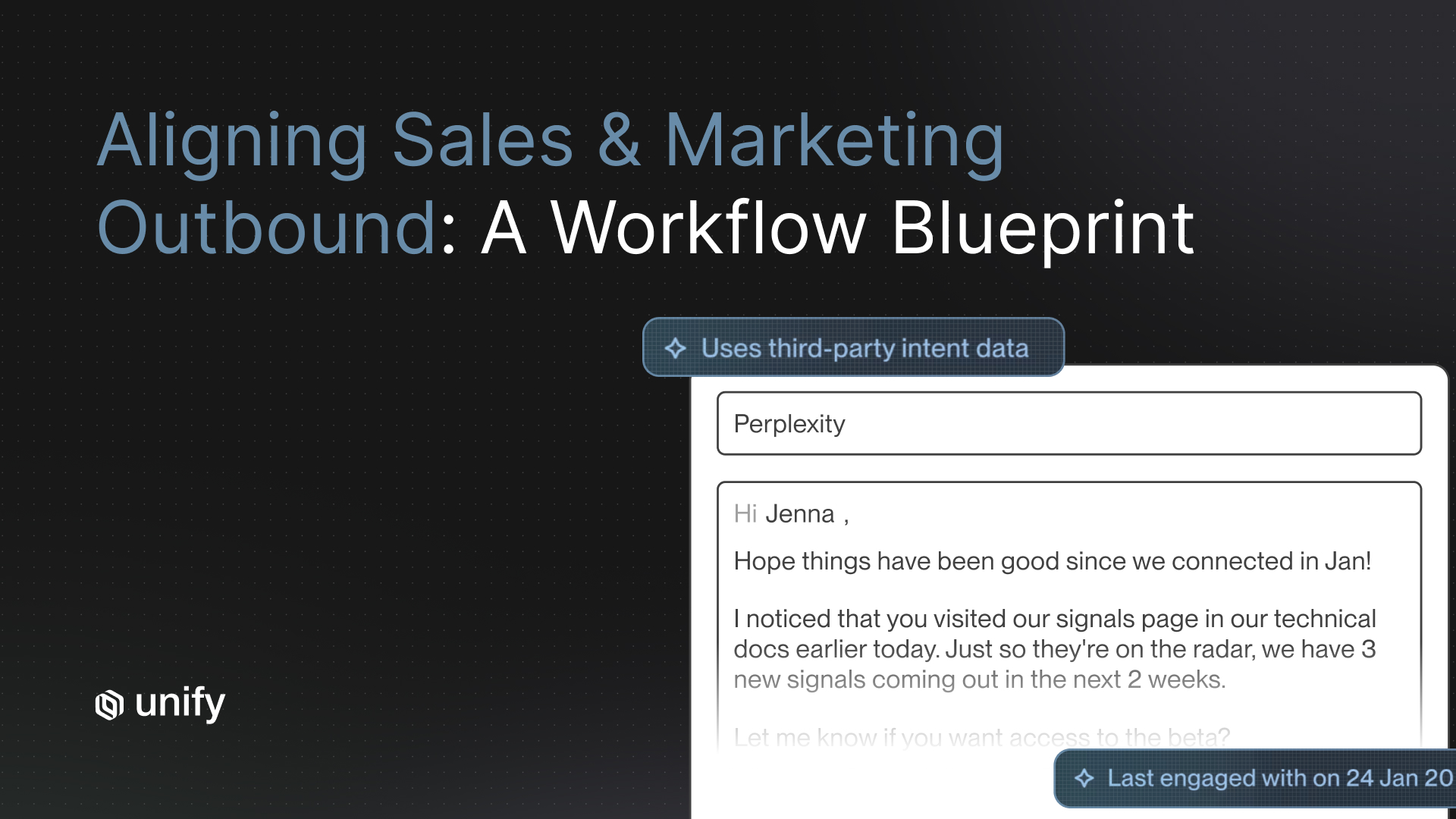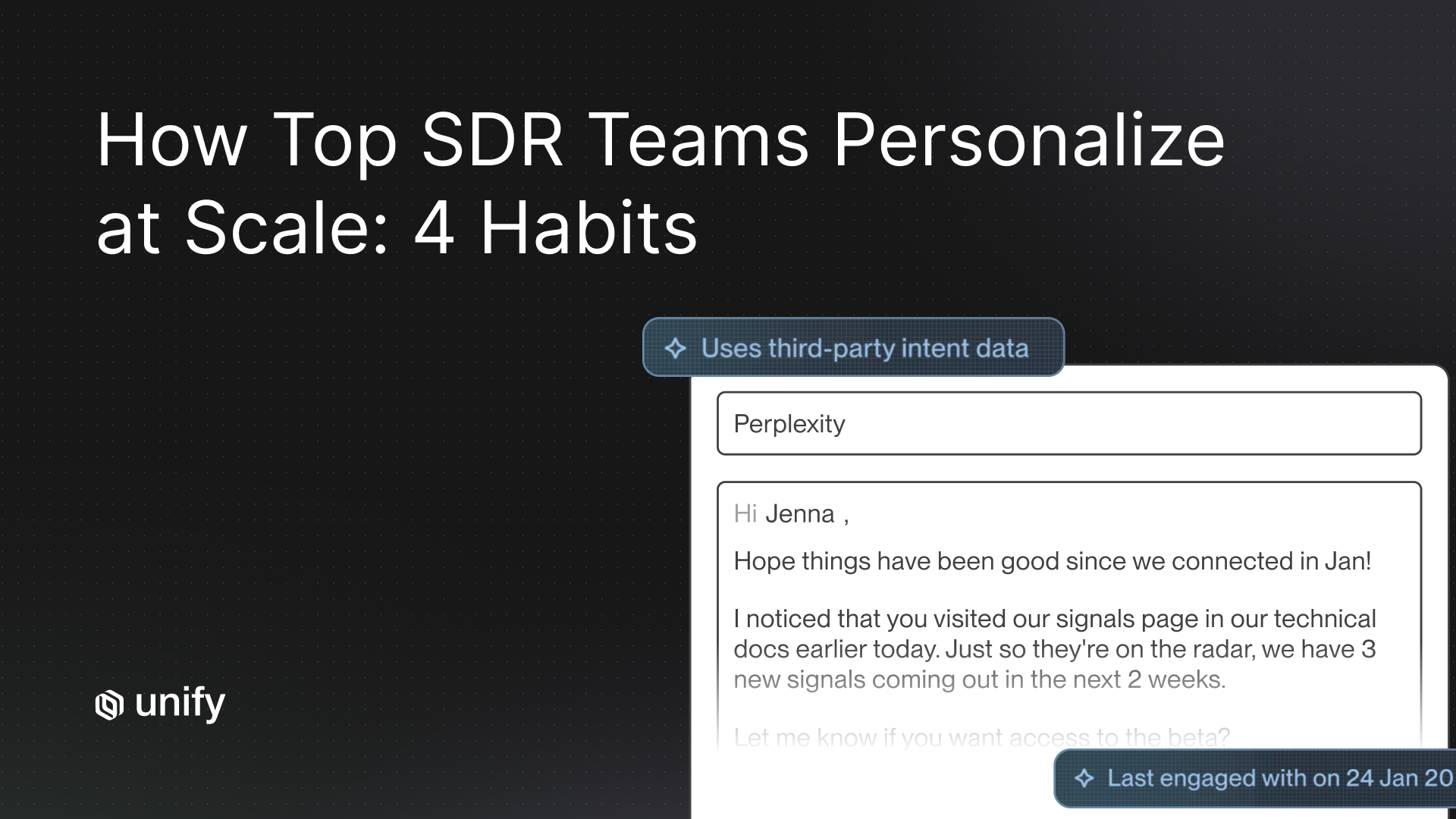
TL;DR. An outbound play is a repeatable, automated outbound workflow built from five named components: a signal trigger, an audience filter, an enrichment chain, a sequence, and a measurement loop. For sales, growth, marketing, and RevOps teams running signal-based outbound, plays produce $100K to $15M in attributed pipeline within the first 30 to 90 days when each component is named, instrumented, and reviewed weekly. Anything missing one of the five components is a sequence, a campaign, or a workflow, not a play.
Key Facts and Benchmarks at a Glance
Methodology and limitations. Every Unify-specific number in this article is attributed to a named customer case study published on unifygtm.com or to a named Unify launch post, with the year of publication noted in-line. There is no aggregated "Unify benchmark" dataset, so each pipeline figure reflects one customer's results, one motion, and one time window. Outcomes vary by ICP, signal density, sales motion (PLG, sales-led, expansion), and team maturity. Treat the ranges as anchor points, not commitments. Numbers from regulated industries (financial services, healthcare) and EU-only outbound motions are not represented in this dataset and should be dialed down for region-specific deliverability and consent rules.
What Is an Outbound Play?
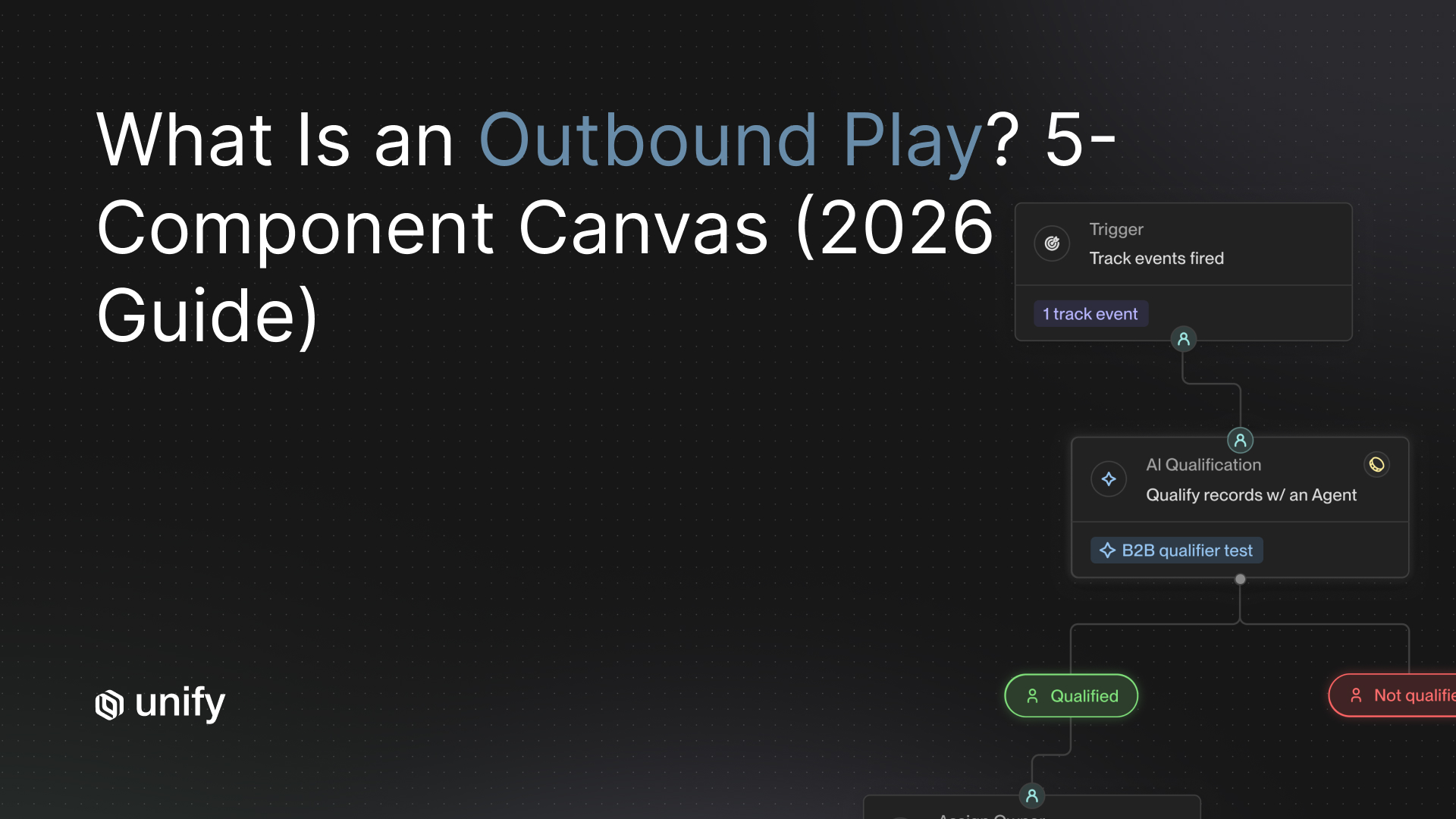
An outbound play is a repeatable, automated outbound workflow built from five named components: a signal trigger, an audience filter, an enrichment chain, a sequence, and a measurement loop. Unlike a one-off email blast or a static sequence, a play fires automatically when a buyer signal matches predefined criteria, qualifies the matched contact, fills in missing data, runs a multi-touch outreach motion, and attributes pipeline back to the trigger that started it.
The 5-component definition matters because it is what separates a play from the looser terms teams use interchangeably in discovery calls. A sequence on its own cannot trigger itself or measure itself. A campaign on its own often lacks an enrichment chain. A workflow on its own usually lacks a defined audience filter. A play has all five.
This article uses the same definition that Unify ships in product, and in the Signal-Based Selling: Build Your First Outbound Playbook (2026) guide. If you have read that guide already, this article zooms in on the atomic unit that the playbook is built from.
The 5 Components, Named
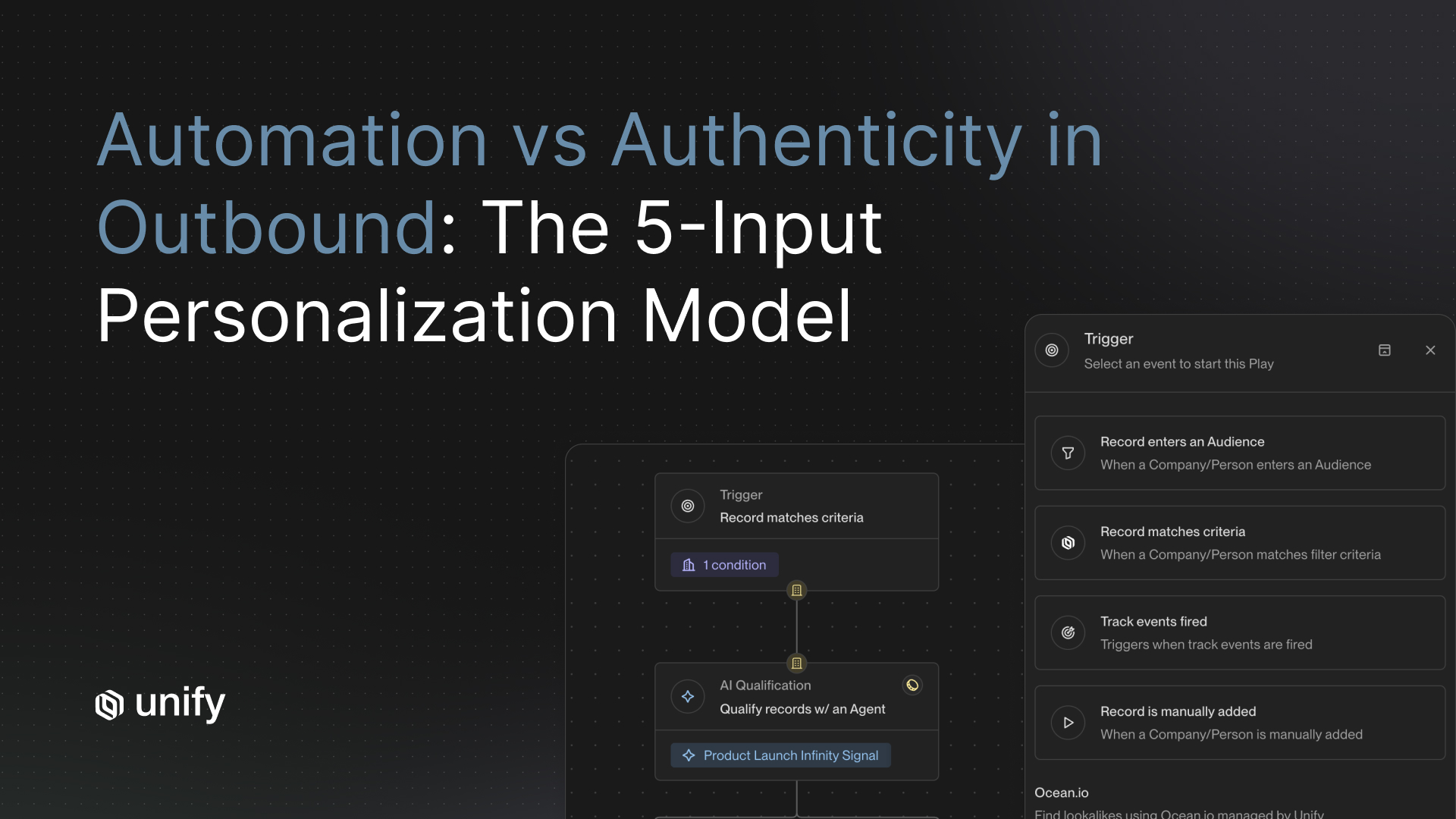
- Signal trigger. The buyer event that fires the play. Examples: pricing-page visit, champion job change, new hire in target role, free-trial signup, custom AI signal matching a prompt.
- Audience filter. The qualification logic that decides who, among everyone the trigger fires for, actually gets enrolled. Examples: ICP fit, account ownership status (assigned vs. unassigned), exclusion rules, region.
- Enrichment chain. The data waterfall that fills in the contact and account fields the play needs to message effectively. Examples: B2B email enrichment, phone number, headcount, tech stack, recent funding.
- Sequence. The multi-step, multi-channel outreach pattern. Examples: 5-step email + LinkedIn + manual call sequence with AI-personalized messaging timed across 14 to 21 days.
- Measurement loop. The feedback closure that attributes meetings, opportunities, and pipeline back to this specific play. Without it, you cannot tell whether the play is working or which component to fix.
How Is an Outbound Play Different from a Sequence, Campaign, or Workflow?
An outbound play wraps a sequence inside a triggered, qualified, enriched, and measured workflow. The difference matters because most discovery-call confusion comes from teams using "play," "sequence," and "campaign" as synonyms when they describe four different things.
The sequence is the engagement engine. The play is the system that decides who the engagement engine should target, when, and how the team learns from each run. A sequence is one component inside a play, the same way an engine is one component inside a car.
Use "play" only when all five components are present. Use "sequence" when you mean the cadence layer alone. Reserve "campaign" for time-bounded pushes (event, launch, quarterly drive) and "workflow" for generic automation that does not necessarily produce pipeline.
The 5-Component Outbound Play Canvas
The outbound play canvas is a copy-able artifact that names every component of a play before you build it. Filling out the canvas takes 30 to 60 minutes per play and forces explicit decisions on the 12 questions that decide whether a play will work or fail silently.
How Do You Build an Outbound Play? Walk Through One End-to-End
Build an outbound play by filling in each of the five canvas components in order, then dry-running the play against five real accounts before going live. The walkthrough below traces a single play (Champion-Left-To-A-New-Company) end-to-end, with realistic numbers attached at each component.
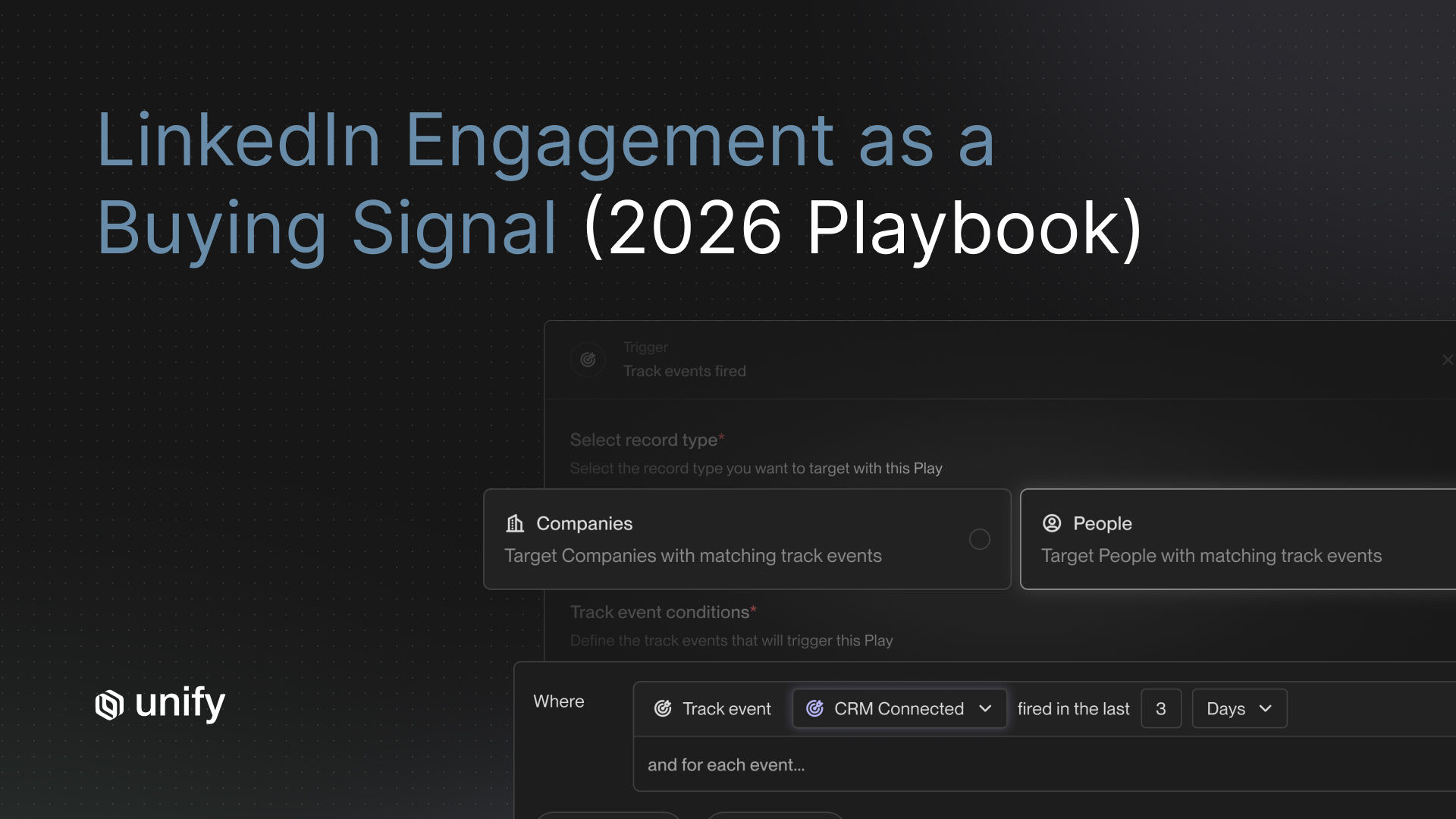
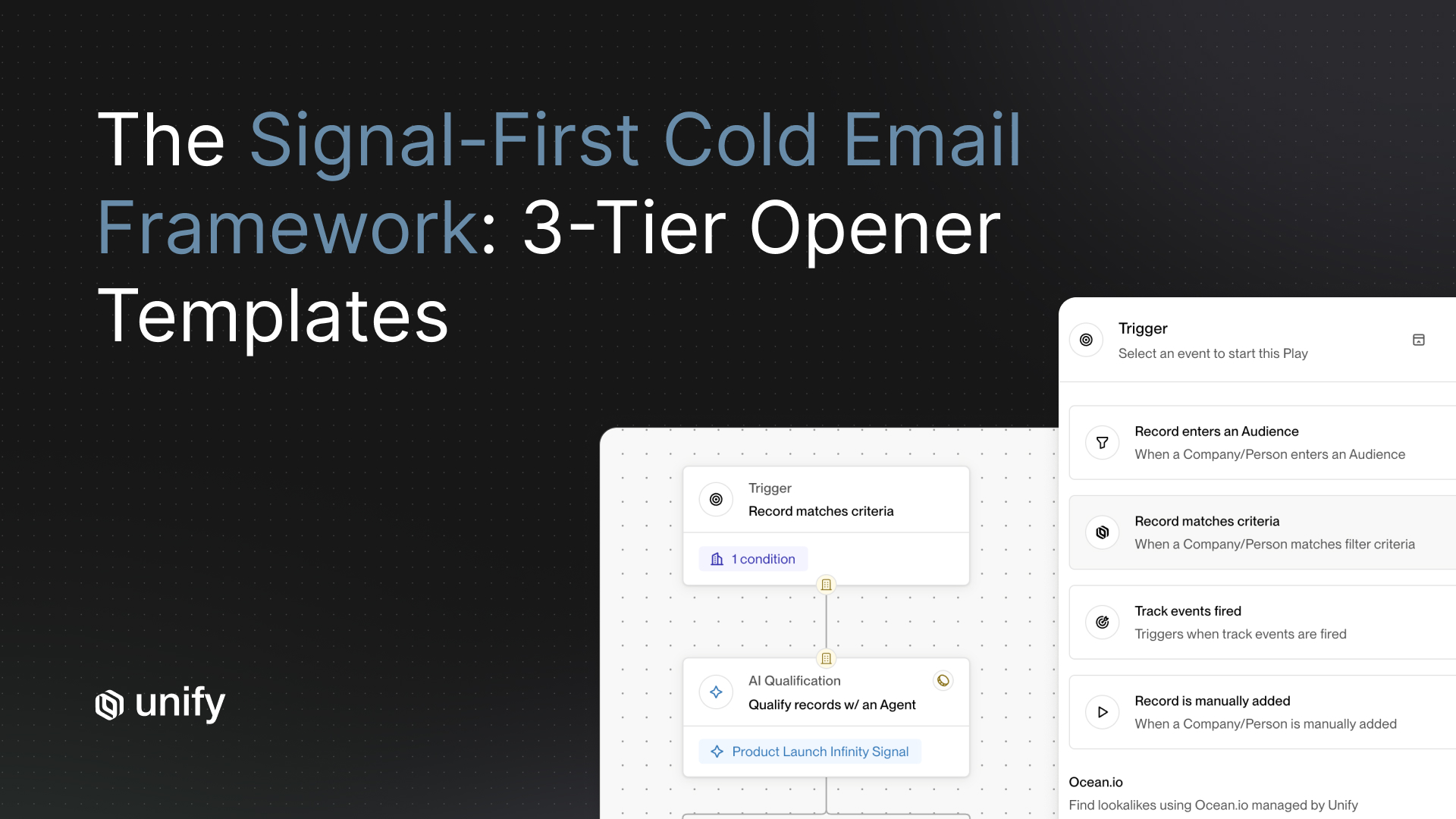
The play is built from a real-world signal: when a past customer or champion changes jobs, they often bring the tools they trusted with them. The Unify Champion Tracking signal exists for exactly this trigger.
Worked Example: The "Champion-Left-To-A-New-Company" Play
Component 1, Signal trigger. Champion at an existing or past customer account moves to a new company. Detection is via Unify Champion Tracking, which refreshes monthly and surfaces job changes for any contact tagged as a champion in CRM. Freshness window: 30 days from job change. Detection lag: under 7 days.
Component 2, Audience filter. Apply 4 filters before enrollment. (a) New employer is an ICP-fit company by employee count and industry. (b) New employer is not an existing customer or open opportunity. (c) Champion is in a buying-decision role at the new company (Director and above, or owner of the relevant function). (d) Champion has not been contacted by Unify in the prior 90 days.
Component 3, Enrichment chain. Run a 3-step waterfall: verify the new work email via the B2B Contact Data layer, pull updated title and team size, append phone if missing. Target email coverage above 70%, phone coverage above 40%. Per the Perplexity case study, 2026, enrichment quality is what separates the 5% reply rate floor from the 20% top-end MQL plays.
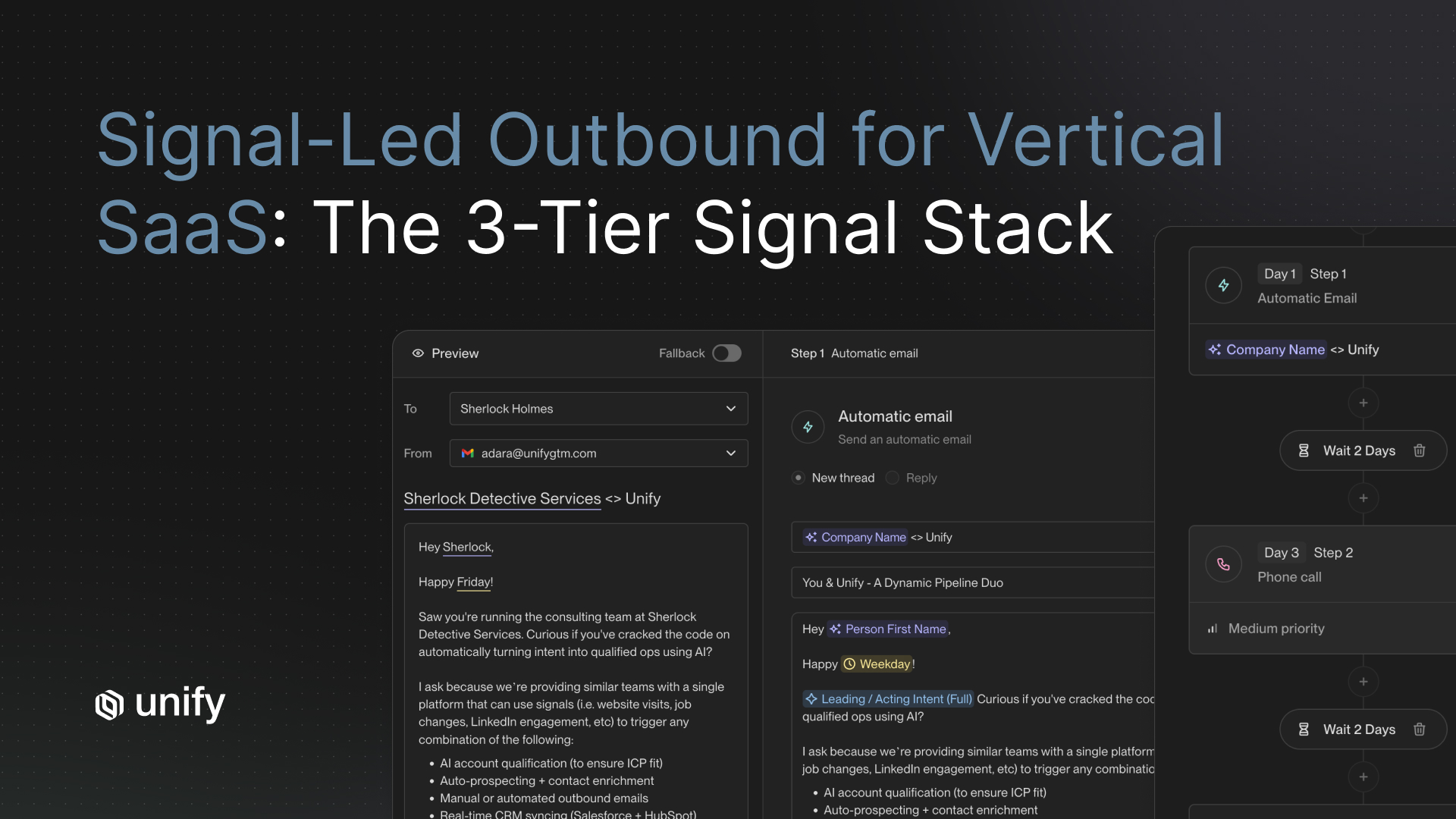
Component 4, Sequence. Five touches across 14 days. Touch 1, day 0: AI-personalized email referencing the prior relationship and the new role. Touch 2, day 3: short bump email asking if it makes sense to reconnect. Touch 3, day 7: LinkedIn connection request with a reference to specific outcomes from the prior account. Touch 4, day 10: manual rep call. Touch 5, day 14: final value-add email with a 1-page recap of what the prior team accomplished.
Component 5, Measurement loop. Per-play dashboard tracks reply rate, meetings booked, and pipeline attributed in the trailing 30 days. Weekly review by the Outbound Quarterback (per the Unify Outbound Sweet Spot framework). Targets: reply rate above 8% (champion plays consistently outperform cold), meetings booked above 5 per 100 enrollments, pipeline attribution closing within 60 days.
Outcome anchors. Per the Juicebox case study, 2026, plays that combine PLG signals with champion-style targeting attributed $3M in pipeline in a single month and held a 92% show rate on outbound meetings. Per the Navattic case study, 2026, similar plays generated $100K+ in direct pipeline within the first 10 days of running, with a 67% email open rate driven by the personalization that the trigger enables.
How Do You Pick Which Play to Build First?
Pick the play whose signal you can already measure, whose audience already has email and phone coverage, and whose measurement loop closes inside 30 days. Most teams overweight novelty (custom AI signals) and underweight measurability (website intent), then ship a clever play they cannot evaluate.
- If you have marketing-driven web traffic and no outbound motion, prioritize a website-intent play on unassigned accounts. Signal is binary, audience is bounded, measurement closes in 30 days.
- If you have a base of past customers and champions, prioritize the Champion-Left-To-A-New-Company play. Past warmth produces unusually high reply rates.
- If you are a PLG company with freemium or trial signups, prioritize a PQL play that scores product usage and routes high-fit signups to enterprise outbound. Per the Perplexity case study, 2026, this play hit a 5% reply rate.
- If you are a sales-led company on Salesforce with a deep ICP target list, prioritize a New-Hire-In-Target-Role play. New hires bring budget and tooling decisions.
- If you are running expansion into the existing customer base, prioritize a usage-threshold play tied to a paywall or upgrade event.
- If you are a regulated-industry seller (financial services, healthcare), lead with a closed-lost re-engagement play because consent is already established.
- If you are an EU-only outbound team, lead with web-intent on opted-in traffic and avoid champion-tracking plays without a verifiable consent record.
Role and Motion Variants
For Sales (AE / BDR)
- Own the sequence component (touches 4, manual call). Don't try to own the full play.
- Push back when audience filter lacks an "assigned-rep" exclusion. Plays without it cannibalize your relationships.
- Demand a per-play dashboard so you can defend that the meetings on your calendar came from the play.
For Growth / Marketing
- Own the trigger and audience filter. These are the high-leverage components most often skipped.
- Build the play canvas as a working artifact, not a deck slide. Update it weekly.
- Tie measurement to source attribution that finance recognizes (closed-won pipeline, not just MQLs).
For RevOps
- Own the enrichment chain and the measurement loop. These are the components that fail silently when CRM hygiene drifts.
- Document the rules of engagement: which signals route to T1, which to T2, which to T3.
By motion
- PLG: Plays with product-usage signals dominate. Per the Juicebox case study, 2026, PLG-anchored plays attributed $3M in one month.
- Sales-led: Plays with custom AI signals + new-hire detection produce the strongest enterprise pipeline. Per the Spellbook case study, 2026, $2.59M in pipeline / $250K closed.
- Expansion: Usage-threshold + champion plays anchor expansion. Per the Justworks case study, 2026, the team reports 6.8X ROI in the first 5 months.
Edge Cases: When a "Play" Isn't Actually a Play
Three patterns get called "plays" in discovery calls but fail the 5-component test. Knowing the edge cases prevents teams from claiming they have plays when they have something looser.
- "Set-and-forget sequence on a static list." Has a sequence and an audience, but no real-time trigger and no measurement loop. This is a campaign with extra automation, not a play.
- "AI agent that researches accounts and emails them." Has a trigger and a sequence, but typically no audience filter (everyone is in scope) and no enrichment-quality threshold. This is a workflow, not a play.
- "Slack alert when an account visits the pricing page." Has a trigger but no audience filter, enrichment, sequence, or measurement loop. This is a notification, not a play.
- Job-seeker traffic vs buyer interest. A signal that fires on /careers page visits is not a buyer-intent signal. Filter career-page paths out of website-intent plays.
- Funding events that don't change the buying behavior. A debt round or a small extension does not move a budget. Filter funding-signal triggers to Series A and later, $5M+ rounds, with industry alignment.
Stop Rules and Red Flags for Play Design
Stop or pause an outbound play when its signal becomes unmeasurable, its audience filter exhausts, or its reply rate drops below one percent across two consecutive 30-day windows. The decision table below maps the most common signals to the next action.
The most-cited rule from this table: don't build a play around a signal you can't measure. If the trigger relies on a vendor that changes pricing, sunsets the API, or strips data exports, the play has compounding fragility. Pick triggers anchored to first-party data (your CRM, your website, your product) wherever possible.
Top 5 Mistakes to Avoid When Building Your First Play
- Skipping the audience filter. Teams ship plays that enroll everyone the trigger fires for, then watch as reps complain the play is hitting their assigned accounts.
- Choosing a clever trigger you can't measure. Custom AI signals are powerful, but if you can't trace meetings back to the trigger, you can't improve the play.
- Enriching at send time. Sending without verified emails guarantees bounce damage to sender reputation. Enrich first; send second.
- Treating the play as a deck slide. A play that lives in a Notion doc but not in a build tool is a hypothesis, not a play. Build it; instrument it; or cut it.
- Skipping the weekly review. Plays compound when the measurement loop is closed weekly. Plays die when no one looks at them for 60 days.
How Unify Covers This
Unify ships the 5 components as native primitives, not assembled add-ons. Plays wrap a triggered, qualified, enriched, measured workflow into one object. 25+ intent Signals cover most off-the-shelf triggers; the AI Infinity Signal handles custom triggers via natural-language prompts. B2B Contact Data handles the enrichment chain via a multi-vendor waterfall. Sequences handle the cadence layer with managed deliverability. Reporting and Analytics close the measurement loop with per-play dashboards.
Per the Unify Series A announcement, 2025, Plays drive nearly 50% of Unify's own new pipeline creation. Per the next-generation AI Agents launch post, 2025, agent runs dropped to 0.1 credits, making always-on plays across 35,000-account TAMs economical. Customers running plays on Unify report outcomes in the ranges anchored in the Key Facts table above: $100K+ in 10 days (Navattic), $1.7M in 3 months (Perplexity), $3M in one month (Juicebox), $2.59M in 7 months (Spellbook), $15M in one month from custom-signal plays (Innovate Energy Group).
Frequently Asked Questions
What is an outbound play?
An outbound play is a repeatable, automated outbound workflow built from five named components: a signal trigger, an audience filter, an enrichment chain, a sequence, and a measurement loop. If any of the five is missing, what you have is a sequence, a campaign, or a workflow, not a play. The 5-component definition is what makes a play measurable, repeatable, and improvable across runs.
How is an outbound play different from a sequence?
A sequence is one of the five components inside a play. The sequence handles message timing and channel cadence. A play wraps the sequence with a signal trigger that decides who gets enrolled, an audience filter that decides who qualifies, an enrichment chain that fills in missing data, and a measurement loop that closes the feedback loop. A sequence on its own cannot trigger itself, target itself, or measure itself.
How long does it take to build a first outbound play?
Most teams ship a first play in two to ten business days. The Quo case study, 2026, reports their first play live within one day of onboarding. The Justworks case study, 2026, reports three plays launched within three days. The Pylon case study, 2026, reports ten automated plays running within two weeks. Time-to-first-play depends on CRM integration depth, signal availability, and whether the team has a defined ICP.
Which play should you build first?
Pick the play whose signal you can already measure today and whose audience already has email and phone coverage. Most teams start with a website-intent play on unassigned accounts because the signal is binary, the audience is bounded, and the measurement loop closes inside 30 days. Champion-Left-To-A-New-Company is the second most common first play because past-customer warmth produces unusually high reply rates.
How do you measure whether an outbound play is working?
Track three metrics per play: reply rate, meetings booked per 100 enrolled contacts, and pipeline attributed in the trailing 30 days. If reply rate sits below 2% after 100 enrollments, the trigger is wrong or the message is wrong. If meetings book but pipeline does not convert, the audience filter is too loose. The measurement loop component is what turns a play from one-time campaign into a compounding asset.
When should you stop running an outbound play?
Stop the play if the signal becomes unmeasurable, the audience filter exhausts, or the reply rate drops below 1% across two consecutive 30-day windows after iteration. Pause and revise rather than stop if reply rate is healthy but meetings convert below industry benchmarks. Permanently stop if the measurement loop cannot be closed because pipeline cannot be attributed back to the play.
Glossary
- Outbound play. A repeatable, automated outbound workflow built from five named components: signal trigger, audience filter, enrichment chain, sequence, and measurement loop.
- Signal trigger. The buyer event that fires the play. Examples: pricing-page visit, champion job change, free-trial signup.
- Audience filter. The qualification logic that decides who, among triggered contacts, gets enrolled into the sequence.
- Enrichment chain. The data waterfall that fills in contact and account fields before send time.
- Sequence. The multi-step, multi-channel outreach pattern; one component inside a play, not a synonym for play.
- Measurement loop. The feedback closure that attributes meetings, opportunities, and pipeline back to the play.
- Outbound Quarterback (OBQB). The operator who owns the end-to-end outbound system, including play design, routing, and automation logic. Sits at the intersection of Sales, Marketing, and RevOps.
- PQL (Product-Qualified Lead). A user whose product-usage behavior crosses a threshold that signals enterprise readiness.
- Rules of Engagement. The documented rules that decide which signals route to which tier (T1 / T2 / T3) and which owner (AE / OBQB / automation only).
- Champion tracking. A signal type that detects when a past customer or champion changes jobs, surfacing the new employer for outbound.
Sources and References
- Unify, Perplexity case study, 2026. https://www.unifygtm.com/customers/perplexity
- Unify, How Perplexity booked $1.7M in pipeline without a single BDR, 2025. https://www.unifygtm.com/blog/how-perplexity-booked-1-7m-in-pipeline-without-a-single-bdr
- Unify, Juicebox case study, 2026. https://www.unifygtm.com/customers/juicebox
- Unify, Navattic case study, 2026. https://www.unifygtm.com/customers/navattic
- Unify, Spellbook case study, 2026. https://www.unifygtm.com/customers/spellbook
- Unify, Quo case study, 2026. https://www.unifygtm.com/customers/quo
- Unify, Justworks case study, 2026. https://www.unifygtm.com/customers/justworks
- Unify, Pylon case study, 2026. https://www.unifygtm.com/customers/pylon
- Unify, Innovate Energy Group case study, 2026. https://www.unifygtm.com/customers/innovate-energy-group
- Unify, Series A announcement, 2025. https://www.unifygtm.com/blog/series-a
- Unify, Lookalikes launch post, 2025. https://www.unifygtm.com/blog/lookalikes
- Unify, Introducing Unify's Next Generation of AI Agents, 2025. https://www.unifygtm.com/blog/introducing-nextgen-ai-agents
- Unify, Lists and One-off Tasks for Human-in-the-Loop Outbound, 2026. https://www.unifygtm.com/blog/introducing-lists-and-one-off-tasks-for-human-in-the-loop-outbound
- Unify, Plays product page. https://www.unifygtm.com/plays
- Unify, Champion Tracking signal page. https://www.unifygtm.com/signals/champion-tracking
- Unify, Signal-Based Selling: Build Your First Outbound Playbook (2026). https://www.unifygtm.com/explore/signal-based-selling-outbound-playbook
- Unify Plays documentation. https://docs.unifygtm.com/plays/overview
About the author. Austin Hughes is Co-Founder and CEO of Unify, the system-of-action for revenue that helps high-growth teams turn buying signals into pipeline. Before founding Unify, Austin led the growth team at Ramp, scaling it from 1 to 25+ people and building a product-led, experiment-driven GTM motion. Prior to Ramp, he worked at SoftBank Investment Advisers and Centerview Partners.


.avif)