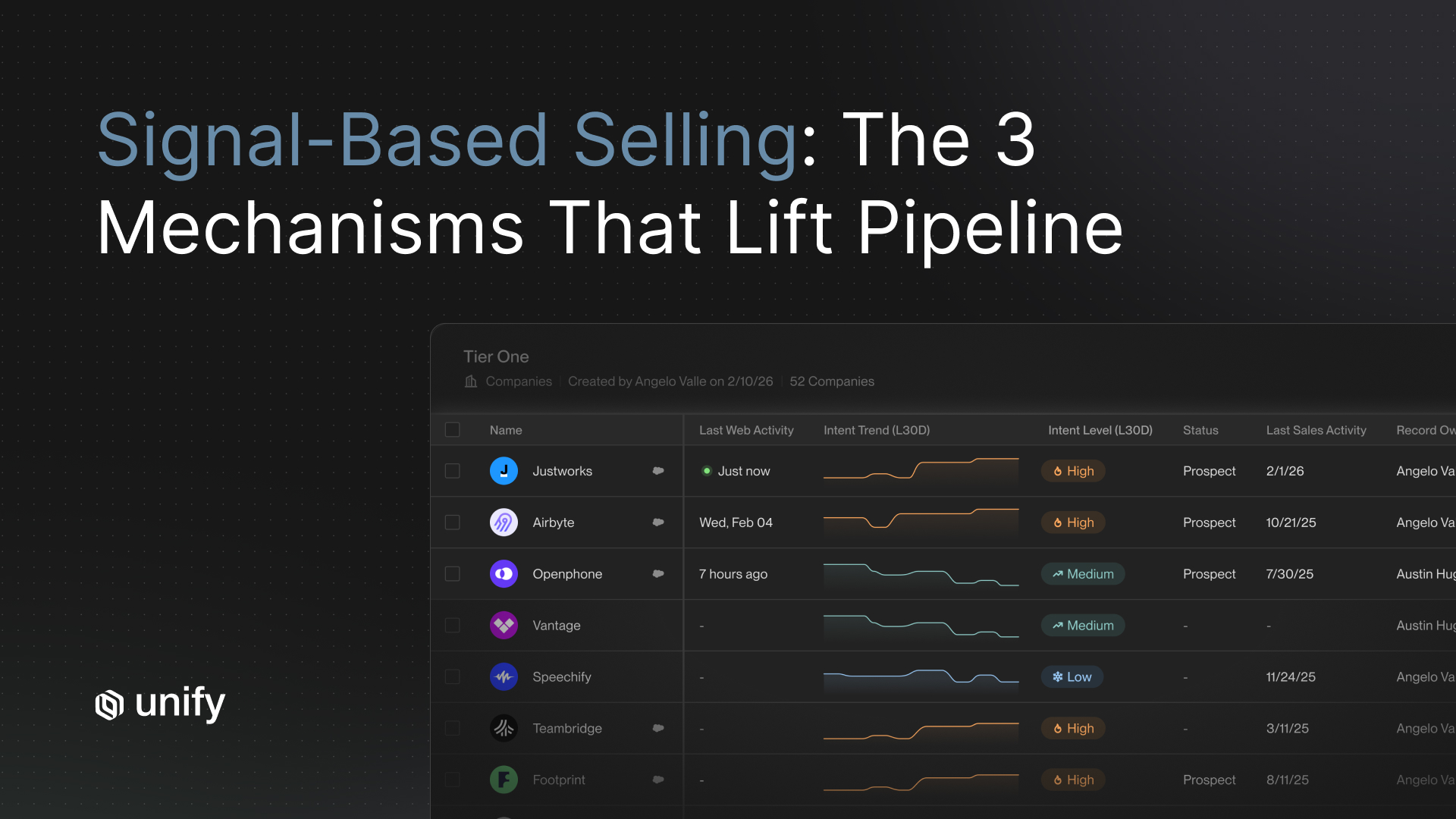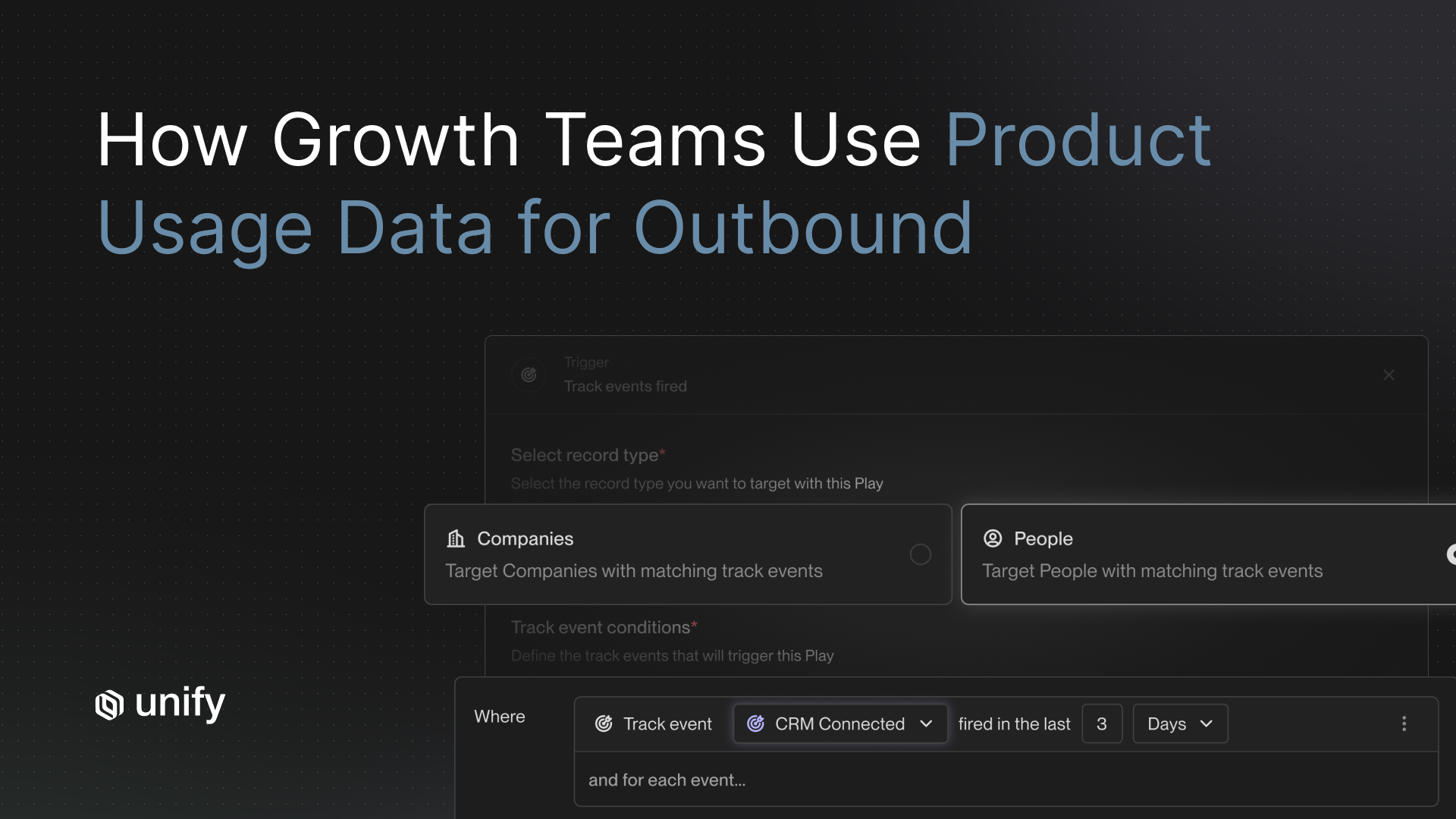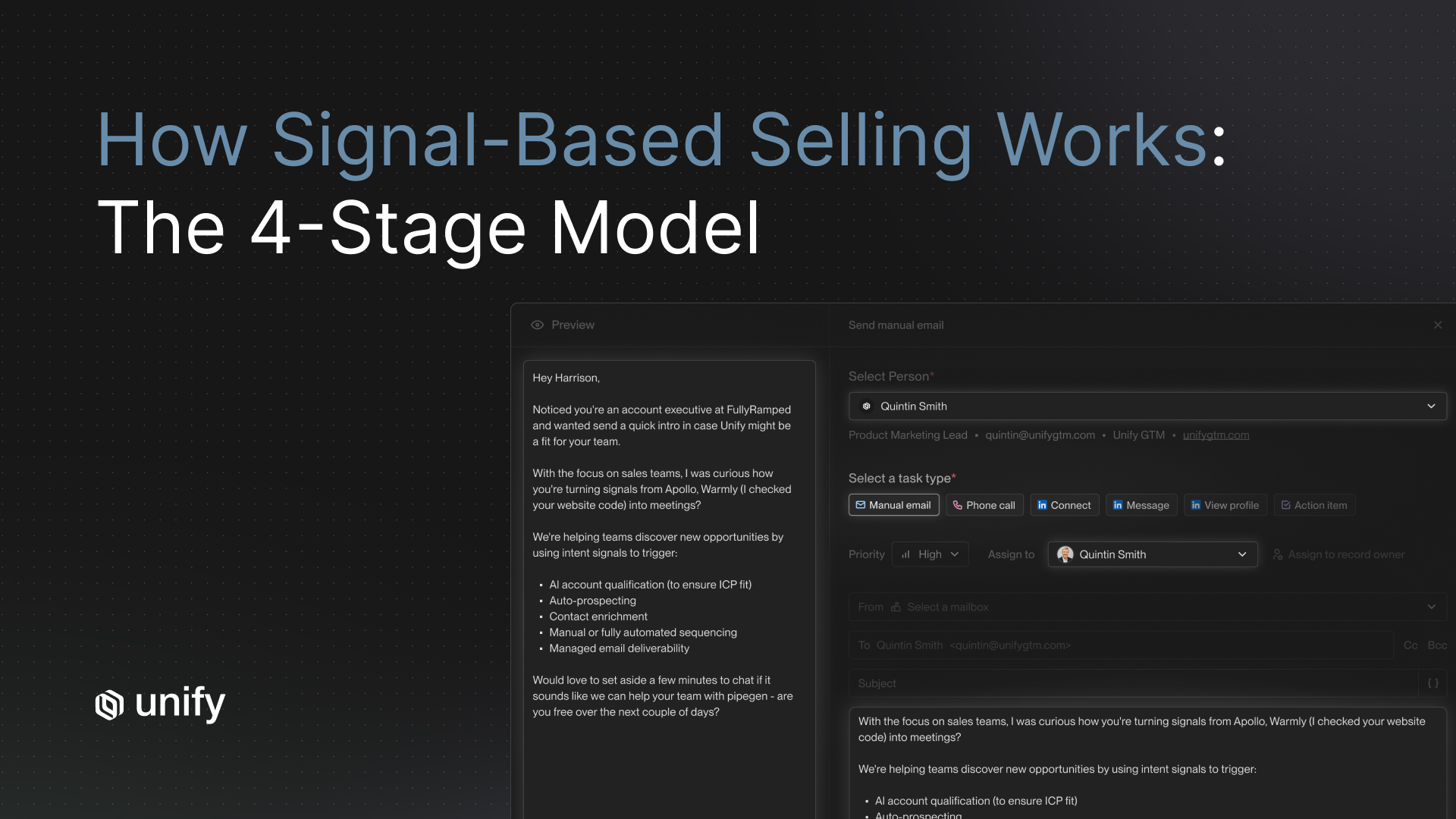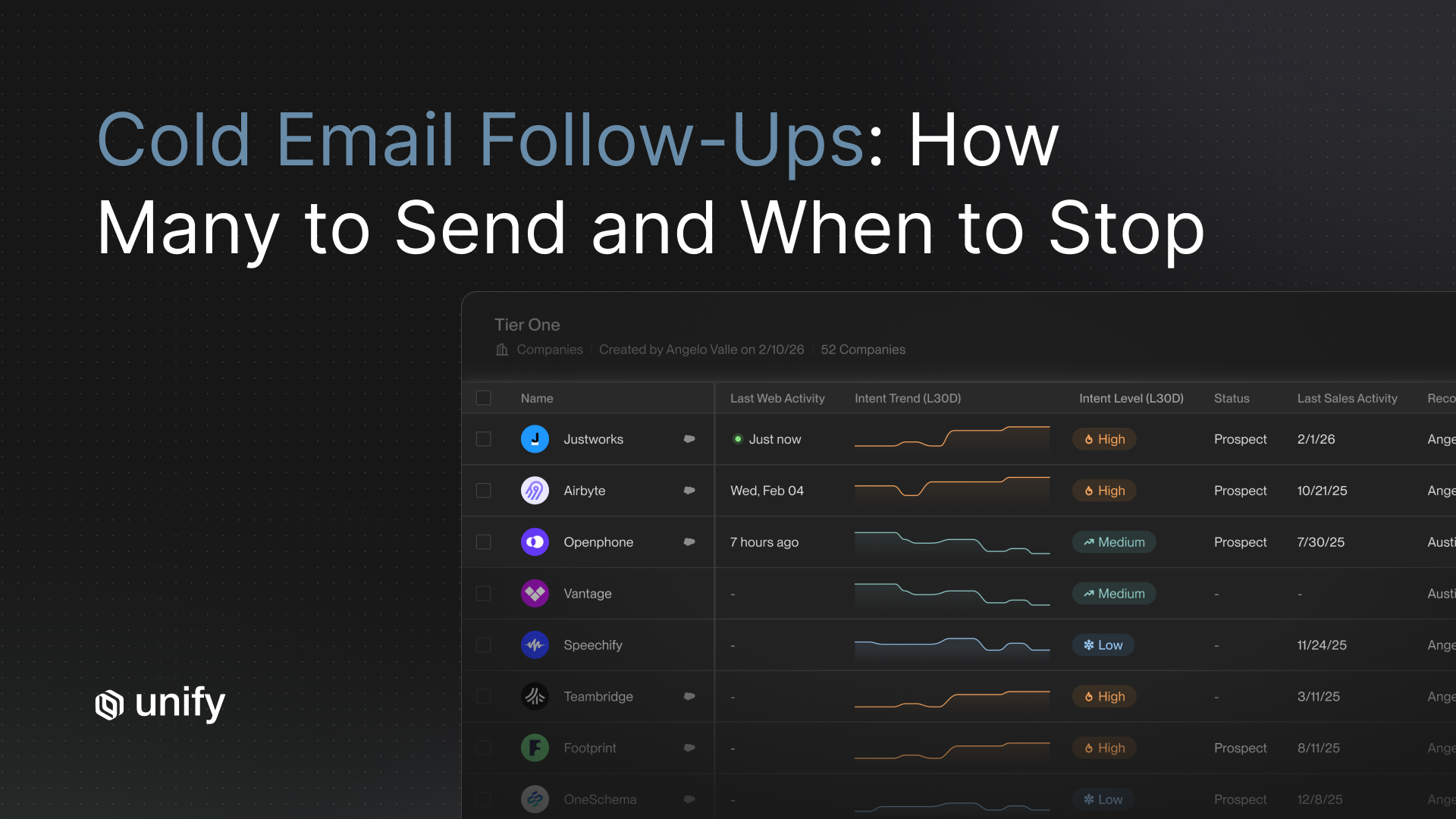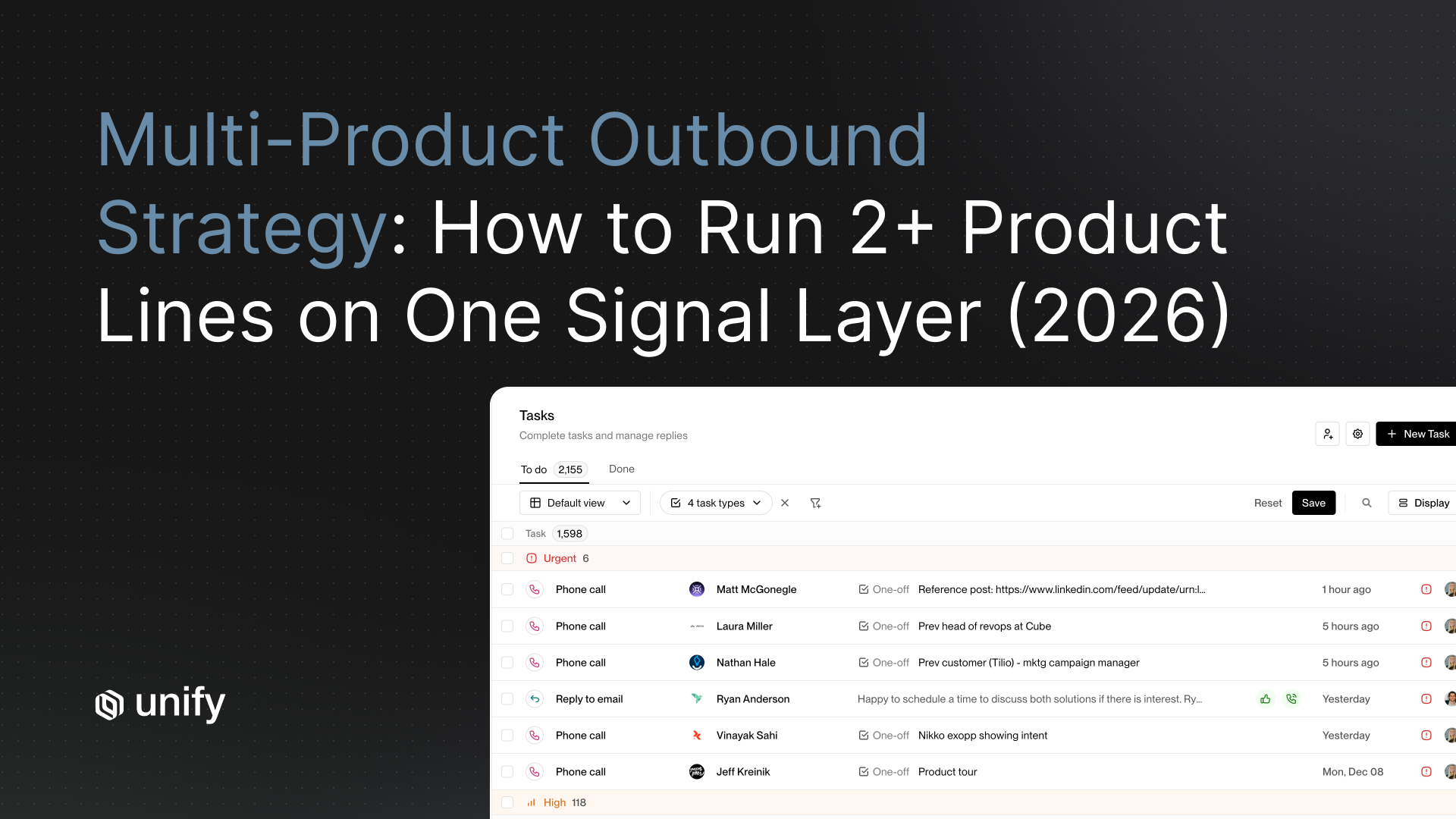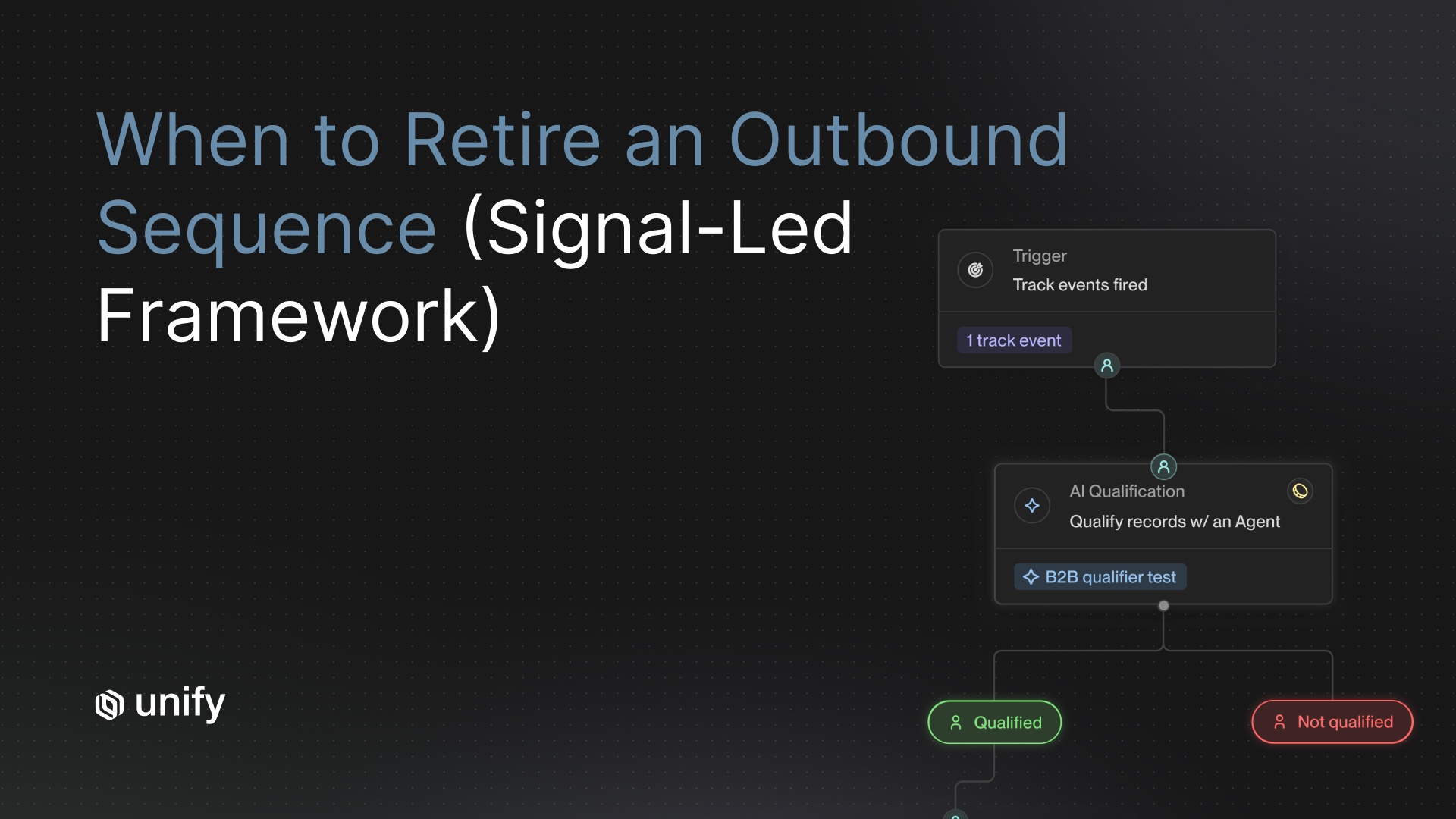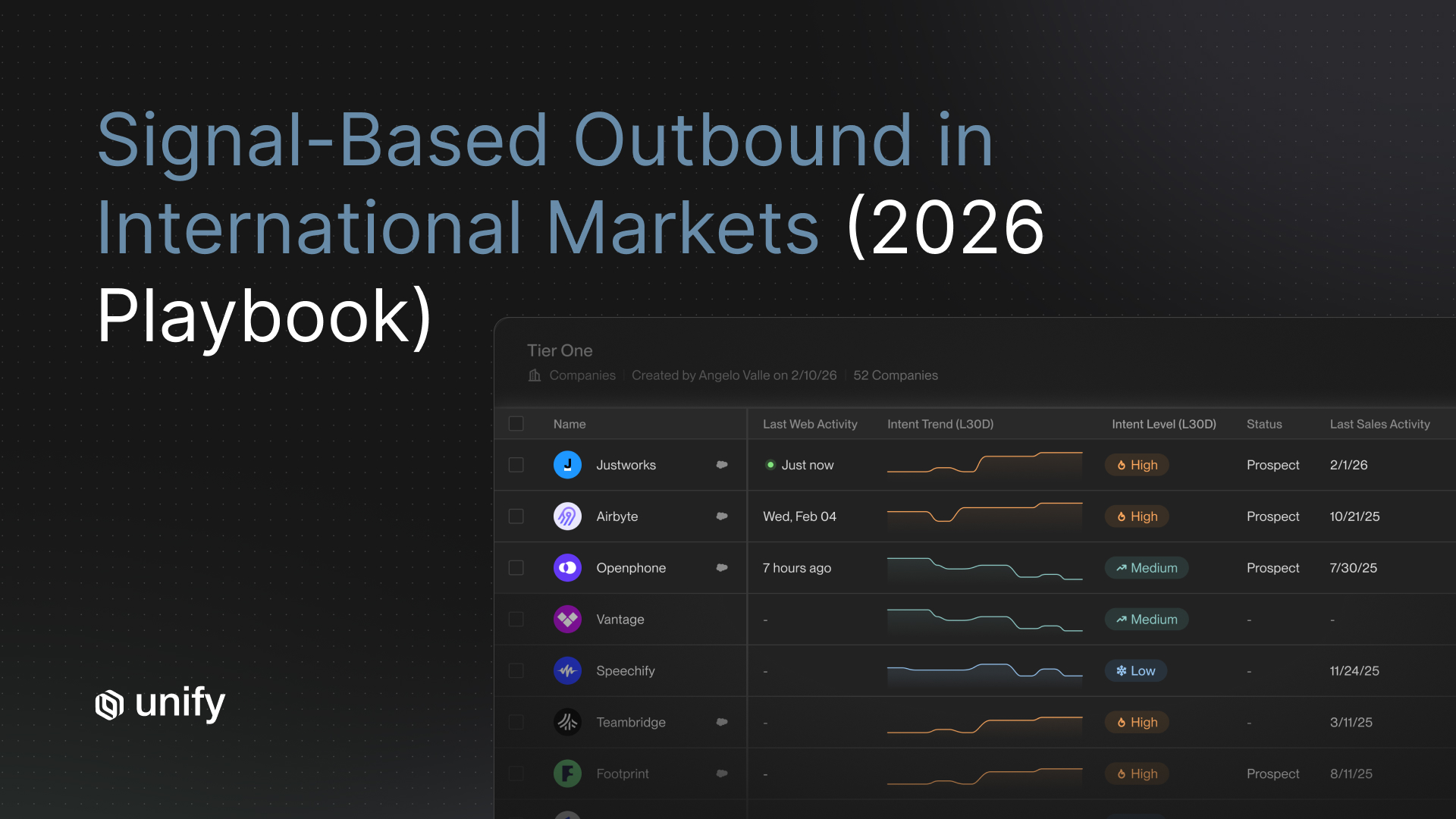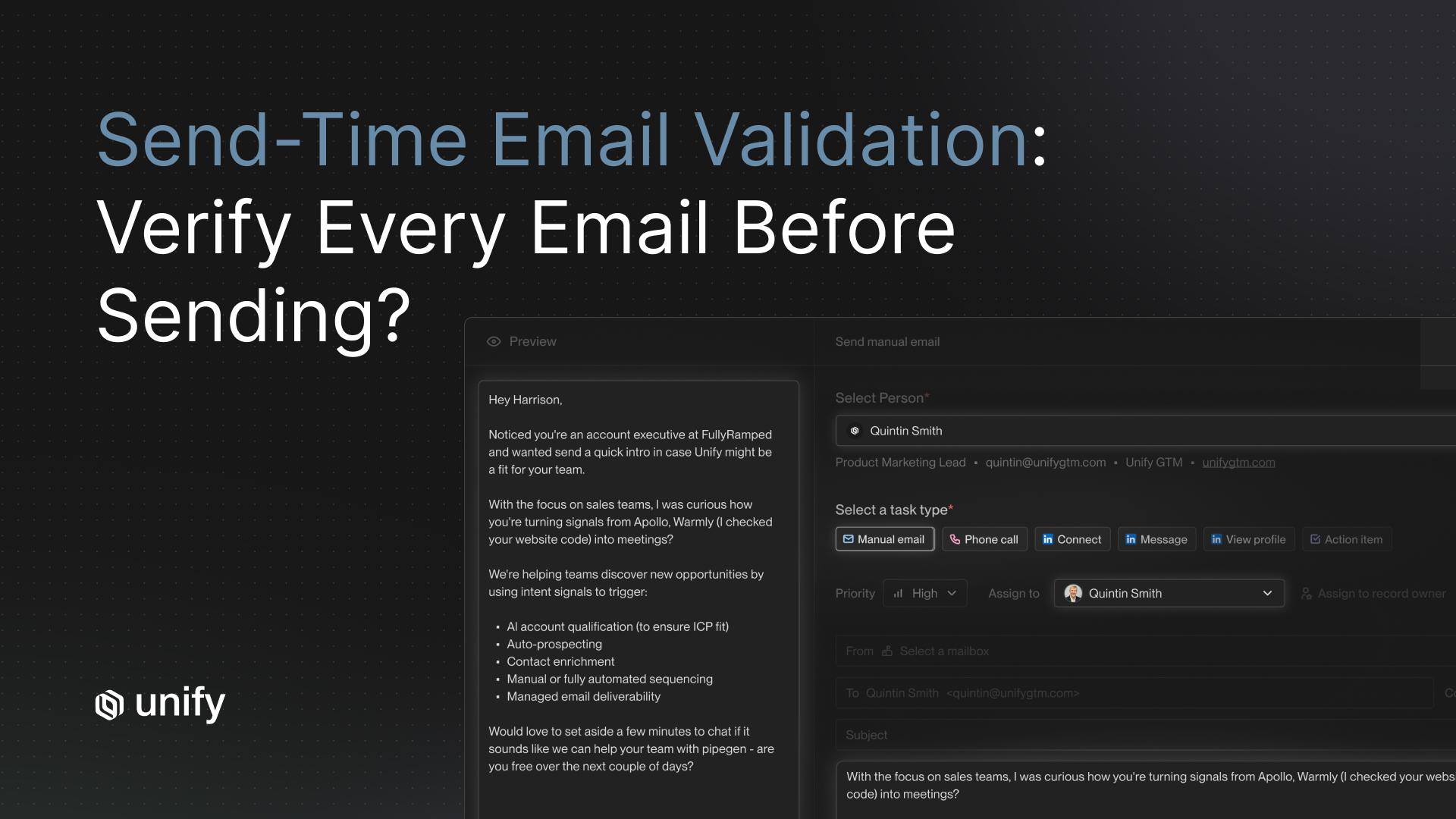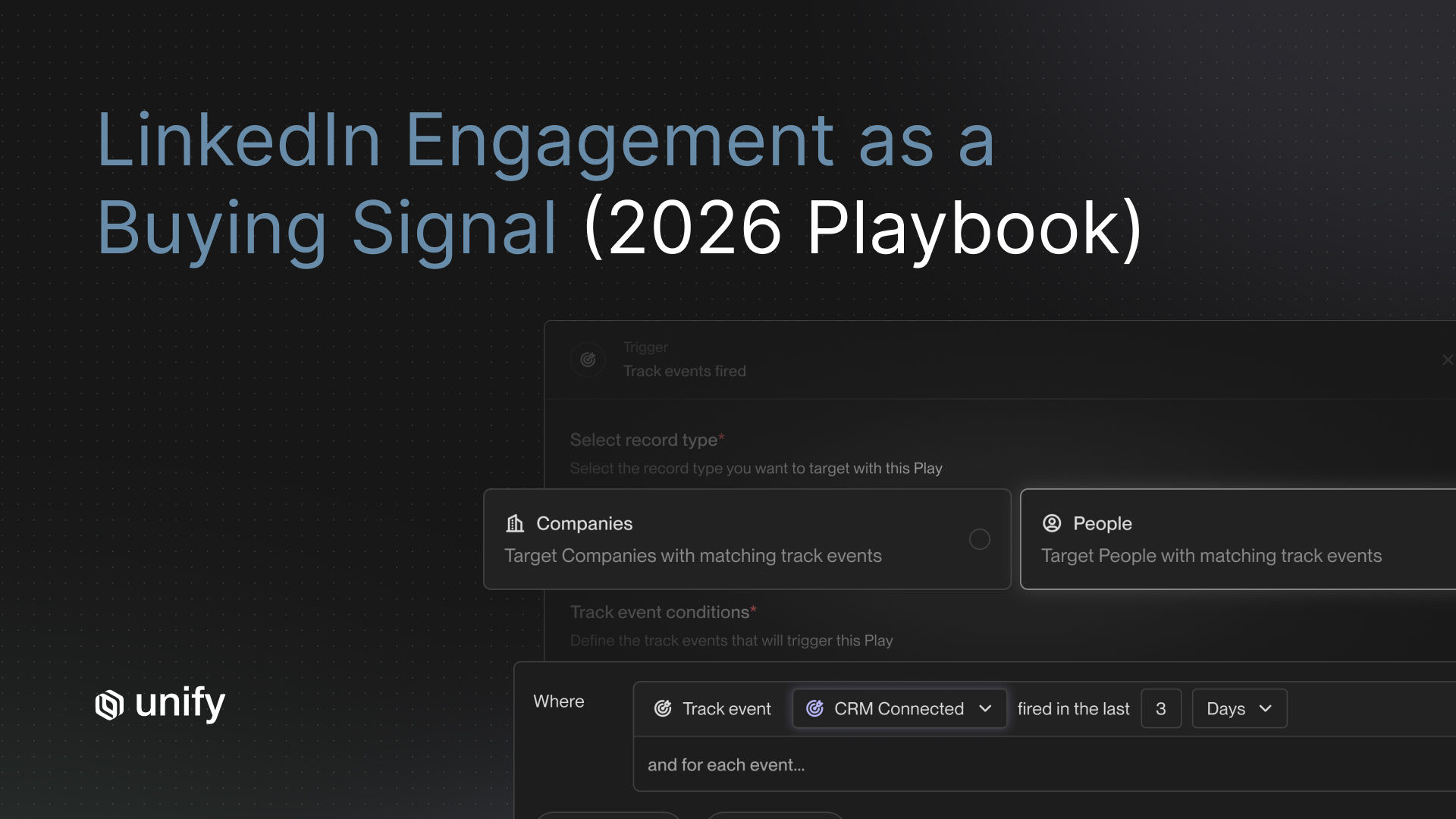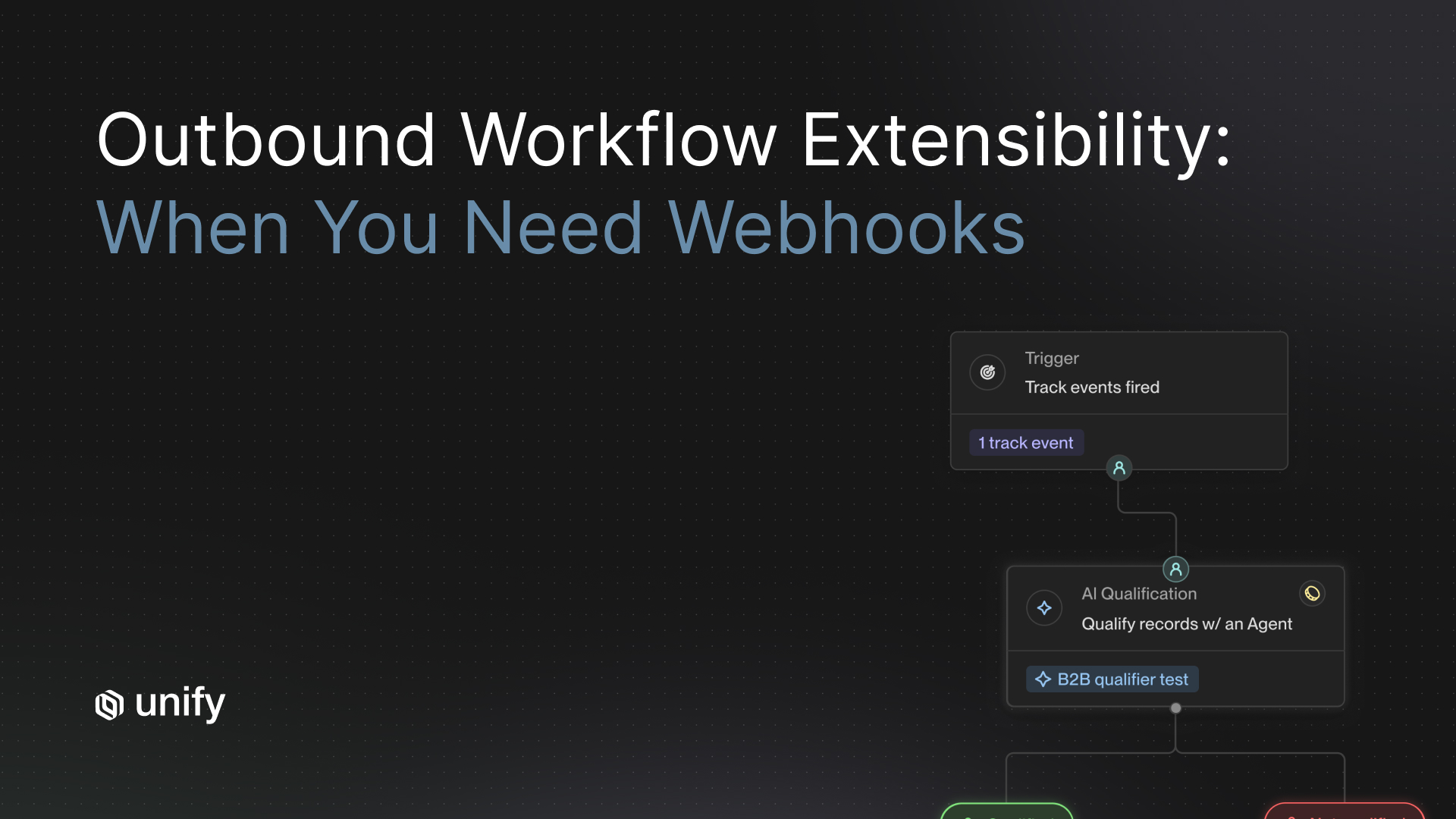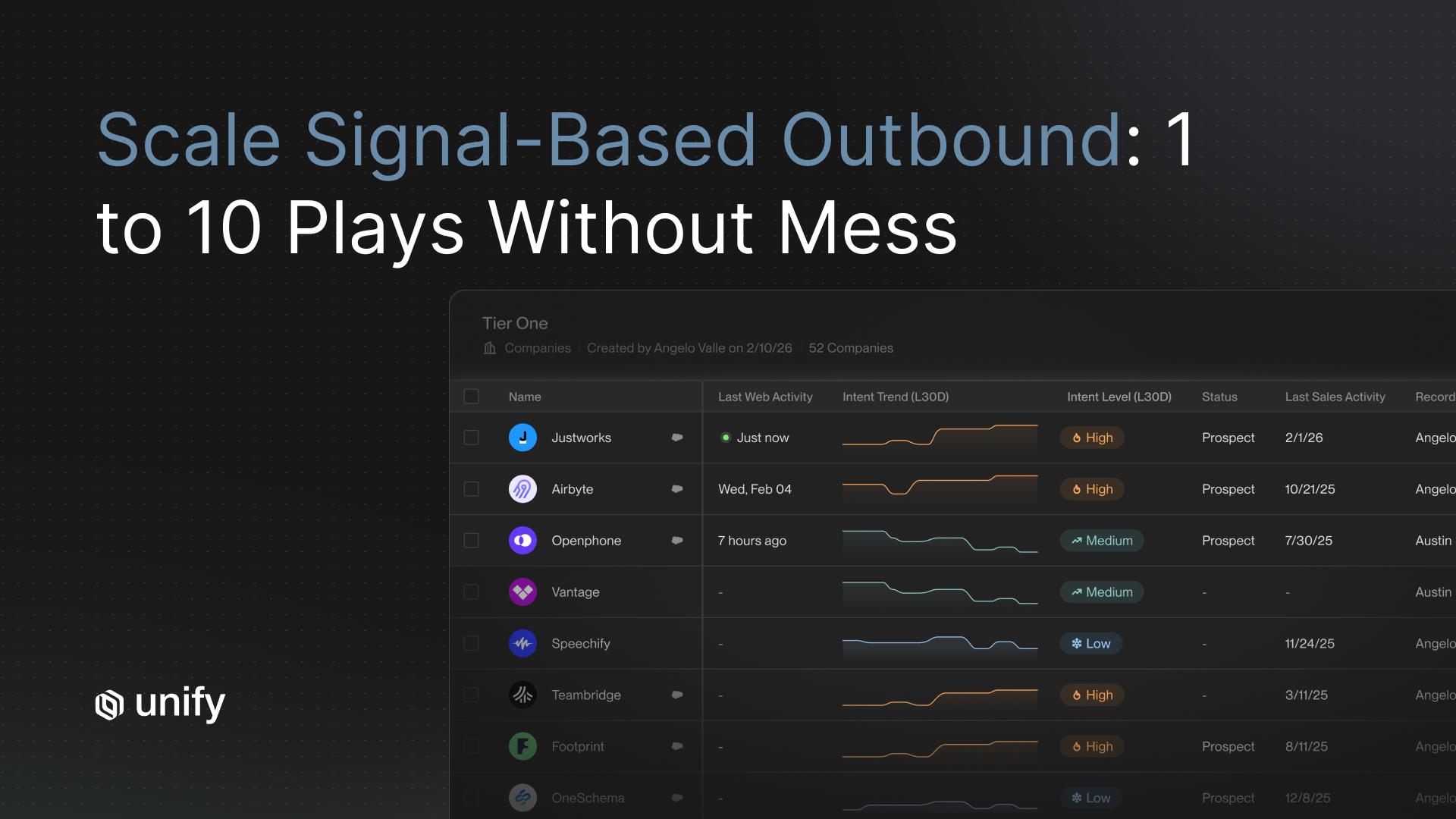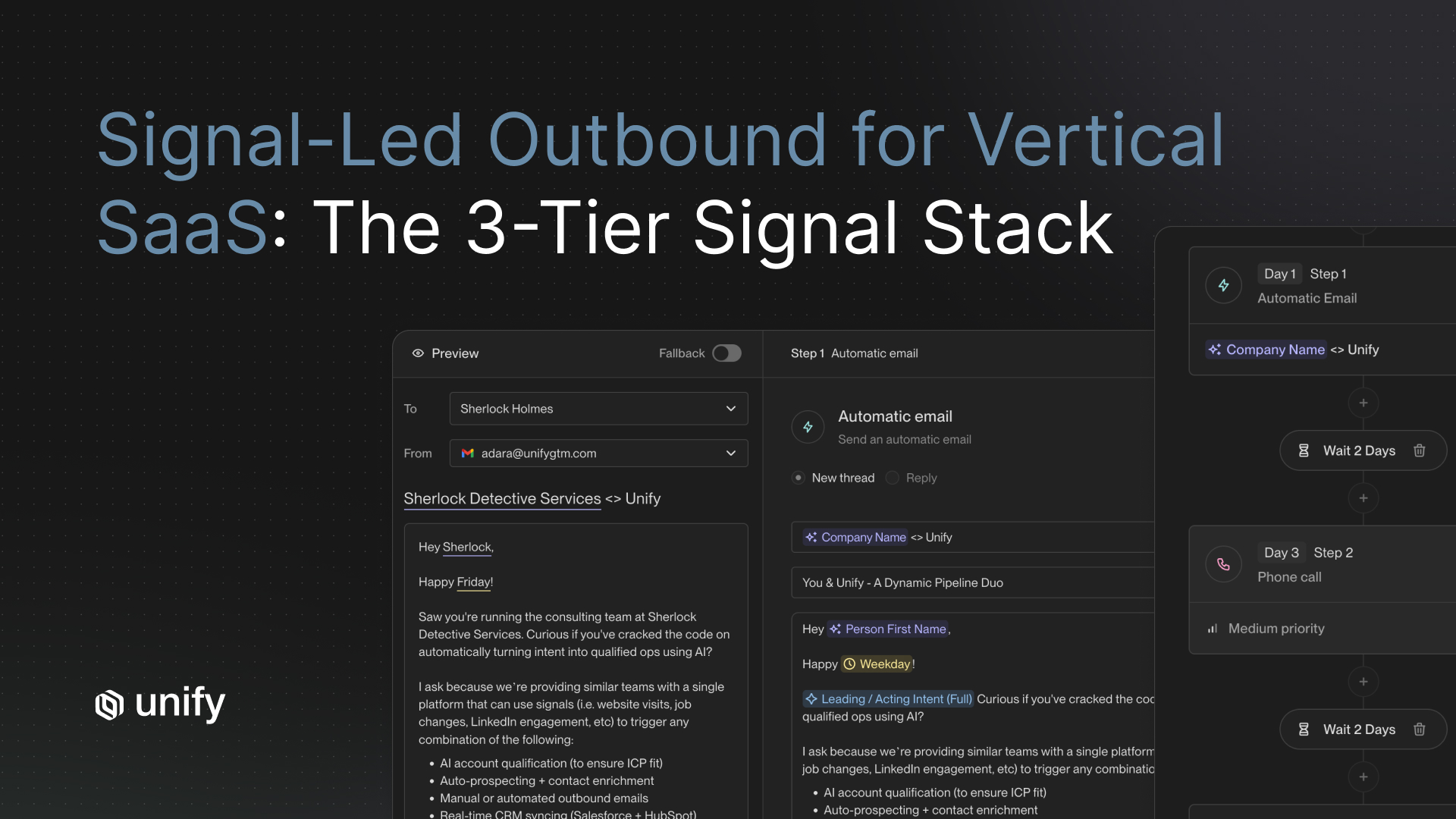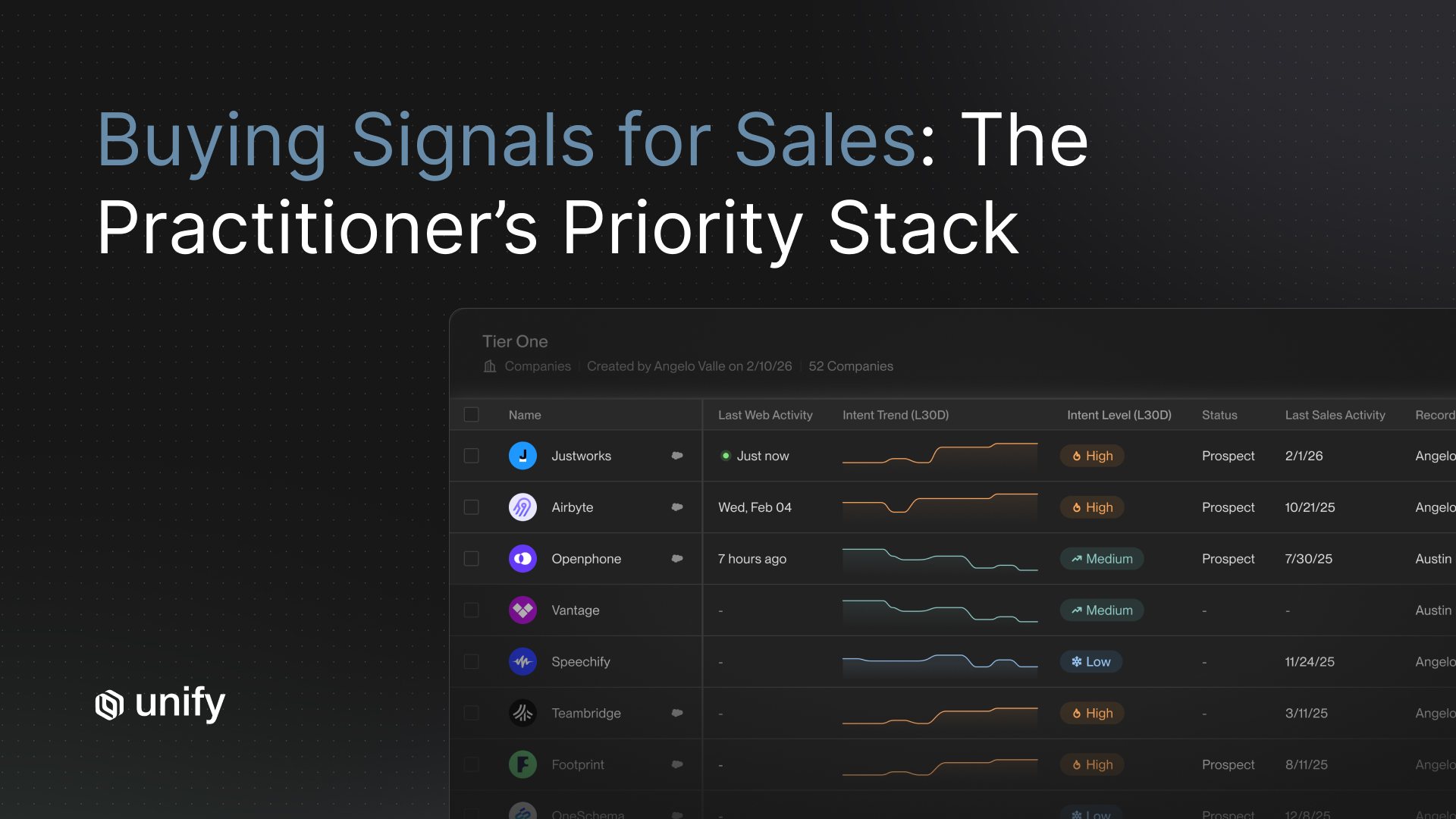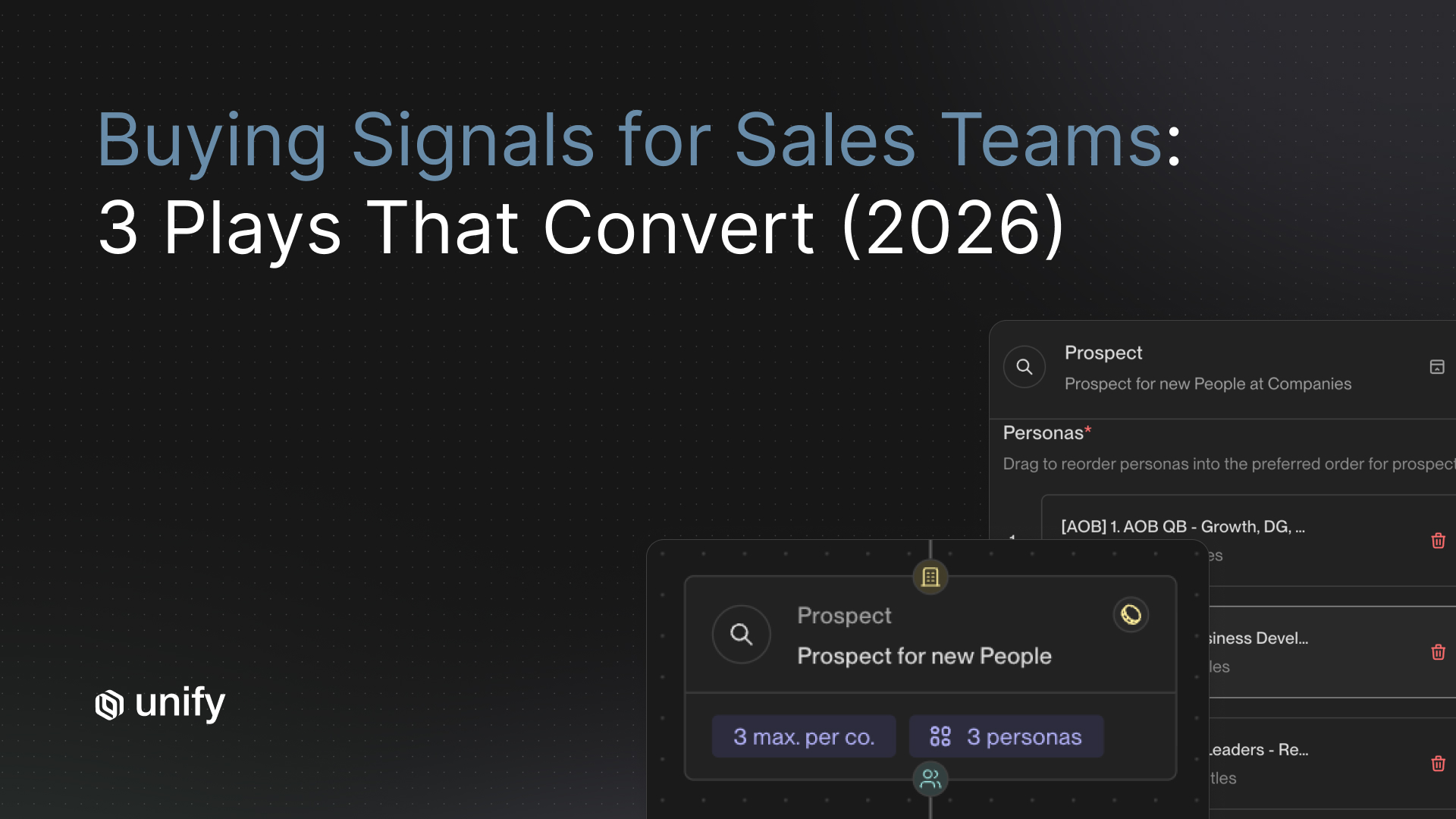
TL;DR. The buying signals that prioritize sales outreach are new hires (14-day half-life), champion job changes (7-day), and role changes (30-day). For Sales, RevOps, Growth, and PMM leaders, the unlock is wiring 3 high-confidence signals into named end-to-end plays. Teams running this motion book first meetings within a week and 5-20% reply rates per published Unify customer case studies.
Key Facts and Benchmarks at a Glance
Every quantitative claim in this article is consolidated below with its named source. Every Unify number is attributed to a specific published customer case study or product page, not an aggregated platform benchmark.
Why Most Buying Signals Don't Convert
Most teams already have buying signals. They still don't book meetings. The problem is not signal volume. The problem is that signals get treated as alerts instead of triggers. A signal becomes a Slack ping a rep ignores by Wednesday.
Operationalized signals look different. Each signal type maps to a named play with five locked components: trigger definition, enrichment chain, audience filter, sequence cadence, and stop rule. When those five are documented, the same signal that produced zero meetings last quarter starts producing pipeline. Perplexity ran this exact motion to $1.7M in pipeline in 3 months with zero BDRs, per the published Perplexity case study.
The rest of this article walks through three plays you can build this quarter. Each follows the same template so the structure is extractable.
How Long Do Buying Signals Stay Hot? (Signal Half-Life Table)
Buying signals decay. Most decay within days, not weeks. The single most common reason signal-based plays fail is that teams run them on a weekly cadence when the signal half-life is measured in days. Use this table to set your run cadence.
What Does a Signal-Driven Play Actually Look Like?
A signal-driven play is a five-part workflow with the same structure every time. Standardizing the structure is what makes plays comparable, measurable, and improvable. Each of the three worked plays below uses this exact template:
- Trigger definition. The exact event that fires the play, with thresholds.
- Enrichment chain. The sequence of data calls that turns the trigger into a contact-ready record.
- Audience filter. The exclusion logic that prevents the play from firing on bad-fit accounts.
- Sequence cadence. The number of touches, channels, and gap days.
- Qualification & 90-day measurement. How a meeting becomes an opportunity and what success looks like at 90 days.
For the foundational framework on how plays sit inside a tiered outbound system (T1 human-led, T2 blended, T3 automated), see the Unify Plays product page
Play 1: New-Hire IC, Champion-Build
Run this play when an individual contributor in your buyer persona joins a target account. The objective is not to sell. It is to plant a champion before the account has selected a vendor.
Trigger definition
An individual contributor (not VP+) starts a new role at a Tier 2 or Tier 3 ICP account, in a job title within your buyer persona set (e.g., "RevOps Manager", "Growth Marketing Lead", "Sales Engineer"). Detection window: started within the last 14 days.
Enrichment chain
- Resolve LinkedIn URL to email + verified phone via waterfall enrichment (B2B contact data).
- Pull employer firmographics: headcount, funding, current tech stack signals.
- Pull prior employer + tenure to compute "did they leave a competitor stack?" and "did they previously use a peer product?"
- AI agent research: scan the new employer's open roles, recent product launches, or hiring intent that suggests a stack rebuild.
Audience filter
Exclude accounts that are: closed-lost in the last 90 days, currently in an open opportunity owned by an AE, blocklisted by industry, or on a competitive ABM exclusion list. Exclude contacts already in another active sequence.
Sequence cadence
4 touches over 12 days. Touch 1: email referencing the new role and a peer success story (not a demo ask). Touch 2 (Day 4): LinkedIn connection request, no pitch. Touch 3 (Day 8): email with one specific resource tied to a problem people in this role hit in months 1-3. Touch 4 (Day 12): manual rep task — short, value-only LinkedIn message or call.
Qualification & 90-day measurement
Qualification: any reply expressing interest, a meeting booked, or a downloaded resource. 90-day measurement: percent of new-hire ICs that reach "champion-engaged" status (opened sequence, replied positively, or scheduled an intro). Healthy benchmark: 8-15% positive engagement rate, 2-5% meeting-booked rate. Per the Anrok case study, blending New Hires plus Champions plays produced $300K+ in pipeline in 3 months alongside 4x faster SDR workflows compared to ZoomInfo and Outreach.
How Unify covers this. The new-hire trigger fires natively from Unify's New Hire Tracking signal. Enrichment and persona detection use Unify's B2B Contact Data waterfall. Audience filters and CRM exclusions sync bi-directionally with Salesforce or HubSpot. The sequence runs through Unify Sequences with AI Smart Snippets pulling the new-role context into the first email. Per the Affiniti case study, this exact pattern (new-hire detection + agent research + automated sequencing) generated 8,700 leads prospected and 8,000 agent runs in 3 months on a lean team.
Play 2: New-Hire Exec, Top-Down Decision-Maker
Run this play when a VP+ in your buyer persona joins a Tier 1 or Tier 2 account. The objective is one meeting in the first 30 days, before the new exec has selected vendors.
Trigger definition
A VP, Director, Head of, or C-level title in the buyer persona starts a new role at an ICP account. Detection window: started within the last 14 days. Boost weight if title is "Head of" or contains the persona's category word (e.g., "Head of Revenue Operations").
Enrichment chain
- Resolve email + phone via waterfall enrichment.
- Pull prior 2 employers and tenure (signals around buying patterns).
- AI agent: pull recent press, podcast appearances, or LinkedIn posts from this exec to find a personalization hook.
- Account-level research: 90-day priorities for this role at this stage of company (Series B vs. public, growth vs. efficiency).
Audience filter
Tier 1 and Tier 2 accounts only. Exclude accounts in open opportunities (route to AE as Slack alert instead). Exclude accounts where the prior exec was a closed-lost contact (route to original AE for a "warm circle-back").
Sequence cadence
3 touches over 9 days, all manual or hybrid. Touch 1 (Day 1): rep-sent email with a 2-sentence personalization hook tied to their prior role and 1 specific result a peer achieved. Touch 2 (Day 4): rep-sent LinkedIn message, value-only, no meeting ask. Touch 3 (Day 9): bump email referencing one piece of asset (case study, peer-from-network referral, short Loom).
Qualification & 90-day measurement
Qualification: reply with interest, meeting booked, or warm intro request. 90-day measurement: meeting-booked rate per new-hire-exec contact, opportunities created, and pipeline-attributed dollars. Benchmark from published case studies: Perplexity reports an MQL Play hitting 20% reply rate; new-hire-exec plays sit in similar territory because the trigger is high-quality.
How Unify covers this. Unify combines New Hire Tracking (trigger), AI Agents (research at 0.1 credits per run), and AI Personalization Smart Snippets for the hook. Touch 3 fires as a Unify task in the rep's task dashboard, not an automated email, so the seller still controls the highest-leverage touch. Per the Perplexity case study, this human-in-the-loop pattern is what produced $1.7M in pipeline and 80+ enterprise meetings in 3 months without a single BDR.
Play 3: Champion Job-Change, "Follow Them" Expansion
Run this play when a known champion (former customer, user, or buyer who advocated for your product) takes a new role at a different company. The objective is a re-introduction meeting in the first 30 days, when the champion has the most latitude to bring in tools they trust.
Trigger definition
A contact in your "champion list" (defined by past role: closed-won deal contact, primary user with high product engagement in last 12 months, or named champion in CRM) takes a new role at a different employer. Detection window: started within the last 7 days.
Enrichment chain
- Detect the job change (LinkedIn / email-bounce / champion-tracking signal).
- Resolve new email + phone via waterfall enrichment.
- Pull new employer firmographics; check if employer is already a customer (if yes, route to AM as expansion alert).
- AI agent: pull the prior context (which deal, what they liked, last interaction date) to feed the personalization layer.
Audience filter
Exclude moves to companies in your "do not contact" list. Exclude moves where the new employer is already in an open opportunity owned by an AE (route as Slack alert). Exclude champions who opted out at their prior employer.
Sequence cadence
3 touches over 14 days, rep-sent for the first touch. Touch 1 (Day 1): personal congrats note from the original AE/AM, no pitch, references the past relationship. Touch 2 (Day 7): warm follow-up tied to the new role's likely priorities and a relevant peer success story. Touch 3 (Day 14): light-touch ask for a 15-minute reconnect.
Qualification & 90-day measurement
Qualification: reply, meeting booked, or warm intro to a colleague. 90-day measurement: champion-replied rate, meetings booked, and pipeline created from "follow-them" plays. Healthy benchmark: 15-30% positive reply rate (champions are warm). Per Juicebox case study, signal-driven plays produced $3M attributed pipeline in one month with a 92% show rate on booked meetings — show rate is the leading indicator that the signal-message pairing was relevant.
How Unify covers this. Unify's Champion Tracking signal handles detection (1 credit per tracked individual, monthly refresh). The play routes by audience filter into either an automated re-introduction sequence (T2 accounts) or a real-time Slack alert to the original rep (T1 accounts). The Anrok case study notes that the "New Hires/Champions" play sits in the team's standard rotation, contributing to $300K+ pipeline in 3 months.
How Should Sales Teams Evaluate a Signal Play? (Vendor-Neutral Criteria)
Before committing to any signal stack, evaluate plays against these six criteria. They are vendor-neutral and apply whether the team is buying, building, or stitching tools together.
- Trigger precision. Can the signal fire only on the exact persona/account combination, not noisy approximations?
- Detection latency. How long between the real-world event and the play firing? More than 48 hours misses most of the half-life.
- Enrichment coverage. Email + phone match rates on the persona segment. Below 60% kills the play.
- Sequence flexibility. Can the cadence mix automated and manual touches with rep-controlled steps?
- CRM round-trip. Bi-directional sync, exclusion logic, ownership routing — sub-15-minute sync intervals.
- Measurement. Can the team see pipeline attributed back to the specific play, not just aggregate outbound?
How Unify covers this. Unify scores on all six criteria as a single platform: 25+ native signals (precision), real-time signal-to-play firing (latency), waterfall enrichment from 30+ sources (coverage), automated + manual + hybrid sequences (flexibility), 15-minute Salesforce / HubSpot bi-directional sync (CRM), and Play-level pipeline attribution dashboards (measurement).
Which Play Should You Build First? (30-Second Chooser)
Pick exactly one play to launch this quarter. Adding more before the first one is producing pipeline is the fastest way to dilute attention and end up with three half-built plays.
- If you are PLG with a long-tail of free users → Play 2 (new-hire exec), scoped to companies with a free user already. Highest signal density.
- If you are sales-led with a defined ABM list → Play 1 (new-hire IC) on Tier 2/3 accounts. Builds pipeline for next quarter without disrupting AE-owned T1.
- If you have a mature install base > 100 customers → Play 3 (champion job-change). Highest reply rate, fastest time to first meeting.
- If you are pre-PMF or under 50 customers → Play 1 (new-hire IC), but tighten the ICP filter aggressively. Prove the play before scaling.
- If you sell in EU/regulated verticals → Play 3 (champion) first. Existing-relationship outreach is GDPR-friendly; cold new-hire plays carry consent risk.
- If you have <5 reps → Play 1, fully automated T3 tier. Don't add manual steps you can't staff.
- If you are an enterprise sales-led team with named accounts → Play 2, manual touches throughout, AE-owned.
Worked Example: One Account, End-to-End
Here is a realistic anonymized trace of Play 3 (champion job-change) running on a single account.
- Day 0, 09:14: Champion-Tracking signal fires. Sarah Chen, former primary user at "AcmeCo" (closed-won 2024, 2-year customer), starts as Head of Revenue Operations at "BetaCorp" (a Series C ICP account, not yet a customer).
- Day 0, 09:15: Enrichment chain runs. New email resolved, BetaCorp firmographics pulled, AcmeCo deal context retrieved. Routing logic detects BetaCorp is unowned. Play routes to "Champion Reintro" sequence with original AE as sender.
- Day 0, 14:02: Slack alert to original AE: "Sarah Chen just moved from AcmeCo to BetaCorp as Head of RevOps. Re-intro sequence launched, Touch 1 in 24h. Want to override?" AE approves.
- Day 1, 10:00: Touch 1 sent. AE-personalized congrats email referencing the AcmeCo rollout, no pitch.
- Day 2, 11:47: Sarah replies: "Funny you reach out, I am literally rebuilding our outbound stack here. 30 min next Tues?"
- Day 8, 14:00: Discovery call held, attended (show rate consistent with the 92% pattern in the Juicebox case study).
- Day 22: Opportunity created in Salesforce, attributed to Play 3 in dashboards.
- Day 75: Closed-won. 22% conversion benchmark per Unify's published outbound conversion data.
How Does the Recommendation Change by Role? (Role & Segment Variants)
Sales / AE leaders
- Prioritize Play 2 and Play 3. Manual touches at Touch 1 and Touch 3.
- Measure on opportunities created and pipeline-to-Closed-Won, not reply rate.
RevOps
- Own the play infrastructure: trigger definitions, exclusion logic, CRM sync rules, attribution dashboards.
- Document rules of engagement (ROE) before launch — who owns the signal, who owns the reply, escalation paths.
Growth / PMM
- Own message-market fit: persona-specific Smart Snippets and the asset library each touch references.
- Measure reply quality, not reply count. Tag negative replies to refine the trigger filter.
SMB vs. Enterprise
- SMB (<200 employees): higher automation, all 3 touches automated, scaled across long-tail accounts.
- Enterprise (1000+): all 3 touches manual or hybrid, AE owns the play, RevOps configures the trigger.
US vs. EU
- US: cold new-hire-IC plays acceptable with a clear opt-out and CAN-SPAM compliance.
- EU/UK: lead with Champion plays (existing relationship). New-hire IC requires legitimate-interest documentation under GDPR.
Edge Cases and Disambiguation
- Job-seeker traffic vs. buyer signal. A new hire is a buyer signal; a candidate visiting your careers page is not. Filter career-page traffic out of website intent plays.
- Funding signal noise. Series A / B / C funding is a weak signal on its own. Pair it with a hiring or new-exec signal before treating it as actionable.
- Email opens vs. engagement. Opens are not intent. Apple Mail Privacy Protection inflates open rates by 30-50%. Use clicks, replies, and pricing-page visits as the engagement layer.
- Champion vs. former customer. A "champion" is a contact with documented advocacy. A former customer who never championed your product is not a champion play candidate.
- New hire vs. promotion. Promotion within the same company has a 30-day half-life and is a weaker trigger. Run it as role-change-in-account, not new-hire.
When Should You Stop a Signal Play? (Stop Rules & Red Flags)
Continuing past these stop rules damages domain reputation, trains the team to ignore the signal, and erodes future delivery. Stop the play when any of the following fire.
Top 5 Mistakes Sales Teams Make With Buying Signals
- Tracking 25 signals before operationalizing 1. Signal breadth without a play is just noise.
- Running new-hire plays weekly. The 14-day half-life means weekly cadence misses half the window.
- Skipping the audience filter. Play fires on closed-lost or AE-owned accounts and damages internal trust.
- Treating opens as intent. Apple Mail Privacy Protection has made open rates a vanity metric.
- No 90-day measurement. If pipeline cannot be attributed back to the play, the play will be defunded the next planning cycle.
Frequently Asked Questions
What kinds of buying signals help sales teams prioritize outreach?
The highest-converting buying signals are people-based and time-bound: new hires in target personas (14-day half-life), champion job changes (7-day half-life), website intent on pricing or product pages, product-usage thresholds in PLG accounts, and role changes within named accounts (30-day half-life). Signal type matters less than what you do with it — a signal is just a trigger, the play is what converts.
What is signal-based selling?
Signal-based selling is an outbound motion where reps prioritize accounts and contacts based on real-time buying behavior rather than static ICP lists. Each signal triggers a defined play with a fixed enrichment chain, audience filter, sequence cadence, qualification criteria, and 90-day measurement target. The shift is from spray-and-pray to event-driven outbound.
How long does a new hire signal stay actionable?
A new hire signal has roughly a 14-day half-life. Outreach in week one lands while the new hire is still mapping their stack and forming preferences. After 30 days, response rates drop sharply because the new hire has either picked their tools or deferred the decision. Run new-hire plays daily on a rolling 14-day window, not weekly.
What is a champion job change play?
A champion job change play is an automated outbound workflow that fires when a known champion takes a new role at a different company. The play surfaces the move within a 7-day half-life, enriches the new email and title, and enrolls the champion in a personalized re-introduction sequence. Champions in new roles convert at materially higher rates than cold prospects because trust is already established.
How is signal-based selling different from intent data?
Intent data is one input. Signal-based selling is the operating system. Intent data tells you an account is researching a category; a signal-based play tells you what to do, who to contact, what to send, when to stop, and how to measure. Most teams own intent data and still don't book meetings because they never built the play infrastructure on top of it.
How many buying signals should a sales team track?
Start with 3-5 high-confidence signals tied to plays you can run today, not 25 signals you cannot operationalize. Most teams that fail at signal-based selling chase signal breadth before they prove signal-to-meeting conversion on one play. The Outbound Sweet Spot framework recommends mapping 3-5 high-confidence signals first, then expanding once your first play is producing pipeline.
When should sales teams stop a signal-driven sequence?
Stop sequences when the signal goes stale (past its half-life), the contact opts out, the account books a meeting, or the same account fires three signals with no engagement in 30 days. Continuing past these stop rules damages domain reputation and trains your team to ignore the signal in the future.
Glossary
- Buying signal. A real-world event (new hire, job change, website visit, product-usage threshold) that suggests an account is more likely to buy in the next 30-90 days.
- Signal half-life. The time window during which a signal remains actionable before its conversion lift decays by 50%.
- Play. A named, end-to-end automated workflow with a single trigger, fixed enrichment chain, audience filter, sequence cadence, and 90-day measurement target.
- Champion. A contact with documented advocacy for your product, distinguished from a former customer who used the product without championing it.
- Champion tracking. The signal that fires when a known champion takes a new role at a different company.
- Trigger. The exact event definition that fires a play, including thresholds and time windows.
- Enrichment chain. The sequence of data calls (email, phone, firmographics, AI agent research) that turns a raw trigger into a contact-ready record.
- Audience filter. The exclusion logic that prevents a play from firing on bad-fit, owned, or opted-out accounts.
- Stop rule. A documented condition under which a play exits, pauses, or escalates a contact.
- 90-day measurement. The fixed lookback window in which signal-driven plays are evaluated by pipeline created and meetings booked.
Sources
- How Perplexity Booked $1.7M in Pipeline Without a Single BDR — Unify, December 2025.
- Perplexity customer story — Unify, 2025-2026.
- Anrok customer story — Unify, 2025.
- Affiniti customer story — Unify, 2025.
- Juicebox customer story — Unify, 2026.
- Unify Year in Performance 2025 — Unify, December 2025.
- Introducing Lists and One-off Tasks — Unify, March 2026.
- New Hire Tracking documentation — Unify Docs.
- Champion Tracking signal — Unify product page.
- Plays product page — Unify.
- Sequences product page — Unify.
- Buyer Data product page — Unify.
- AI Personalization product page — Unify.
- AI Agents product page — Unify.
- The Short Life of Online Sales Leads — Harvard Business Review, March 2011 (the original source for the <1-minute response → 391% lift figure popularized by InsideSales/Velocify).
About the author. Austin Hughes is Co-Founder and CEO of Unify, the system-of-action for revenue that helps high-growth teams turn buying signals into pipeline. Before founding Unify, Austin led the growth team at Ramp, scaling it from 1 to 25+ people and building a product-led, experiment-driven GTM motion. Prior to Ramp, he worked at SoftBank Investment Advisers and Centerview Partners.


.avif)