TL;DR. Convert PLG signups into enterprise pipeline with a 5-step motion: capture usage events, score by intent weight plus ICP fit, run AI agent research, enroll into PQL-specific Plays, then attribute back. Built for Growth, Sales, and RevOps at PLG companies. Expect 5 to 20% reply rates per Perplexity case study, 67 to 80% open rates per Navattic and Spellbook case studies, and pipeline contribution ranging from $100K in 10 days (Navattic) to $3M in one month (Juicebox).
Key Facts: PLG-to-Pipeline Benchmarks at a Glance
The numbers below are pulled from named, published Unify customer case studies and external industry research. Each row names its specific source so the figure can be verified directly.
Methodology & Limitations. Every Unify number above is attributed to a specific named customer case study or product launch post on unifygtm.com, not aggregated platform benchmarks. Time window is the published reporting period for each story (typically the first 1 to 12 months of usage). What we excluded: native dialer depth, conversation intelligence scoring, and detailed seat-level pricing comparisons. Where to dial down expectations: highly regulated verticals (healthcare, financial services in the EU) need stricter opt-in rules and may run lower reply rates than the figures above. Sample sizes vary by customer; see the source link in the Sources section for each case study's published scope.
What Is a Product-Qualified Lead (PQL)?
A product-qualified lead is a free user, freemium account, or self-serve signup whose product behavior signals enterprise buying intent. PQLs are the warmest leads a PLG company has because they have already experienced value before any sales conversation. Common PQL triggers include hitting usage limits, multiple seats from one company, repeated visits to pricing or upgrade pages, and integration setup events.
The conversion problem isn't generating PQLs. PLG companies generate thousands per week. The problem is operationalizing them: identifying which signups belong to enterprise accounts, qualifying intent weight, and acting before competitors do. Per Juicebox case study, "free trial sign-ups all appeared identical" until the team built a system that could distinguish enterprise buyers from individual self-serve users.
How Do You Convert Product-Led Signups Into Enterprise Pipeline?
Run a 5-step motion: capture, score, research, engage, attribute. Each step has a specific tool category and a specific failure mode. The motion is sequential because skipping a step (most often "research") collapses reply rates.
- Capture usage events with a product-data layer that fires into your outbound system in near-real-time.
- Score each PQL by intent weight (which signals fired, how recently) plus ICP fit (firmographics, technographics).
- Research the account with an AI agent to gather context: news, headcount, tech stack, related decision-makers.
- Engage the PQL contact and 2 to 3 adjacent personas with PQL-specific Plays whose messaging is tuned per persona.
- Attribute pipeline and revenue back to the originating signal so you can compound what works.
This is the canonical motion. The rest of this article walks each step with a vendor-neutral checklist of what to look for, then an explicit "How Unify covers this" callout per step. We keep the criteria clean so you can evaluate the category fairly; brand advocacy is isolated.
Step 1: Capture Product Usage Events in Real Time
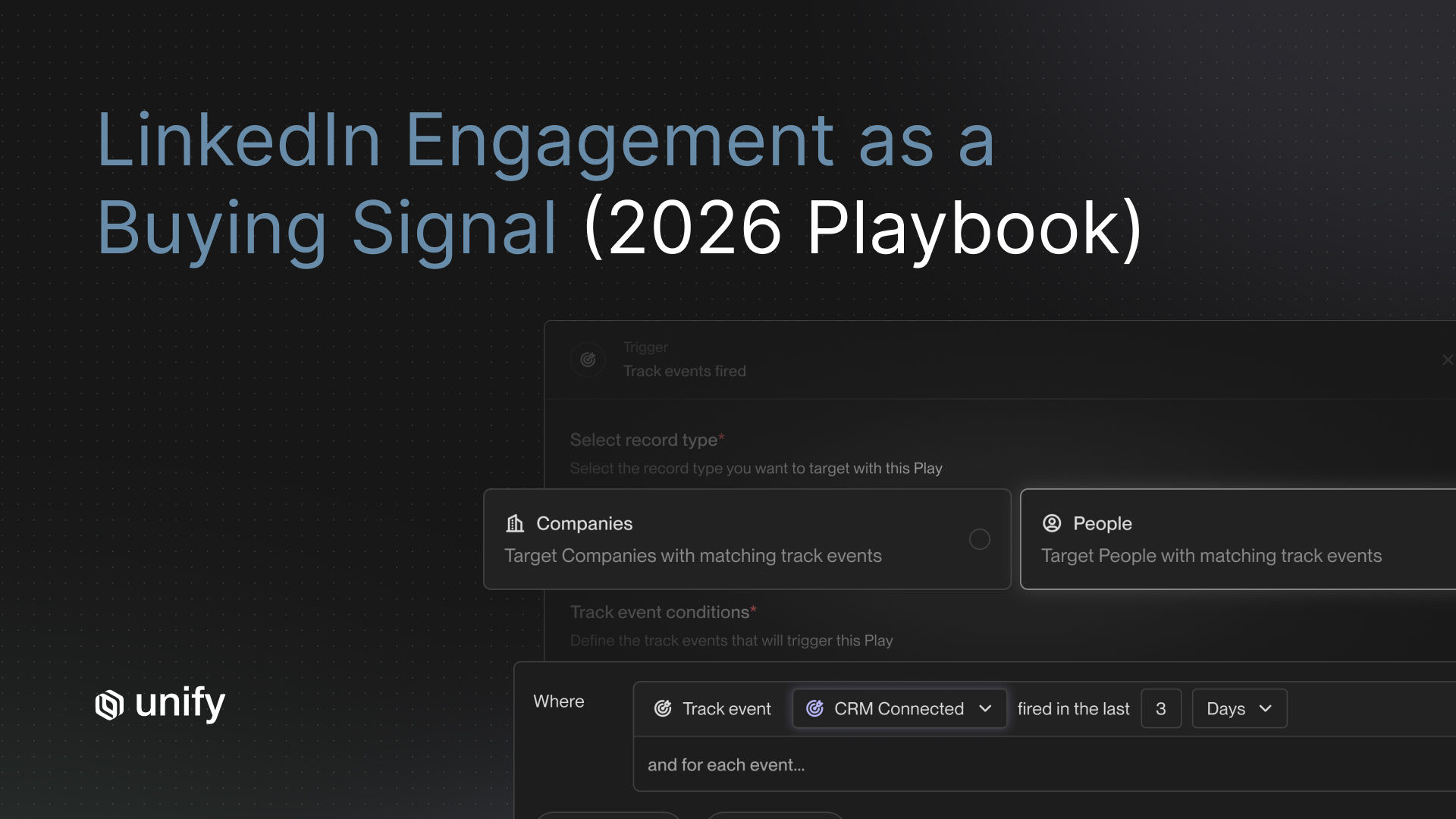
Capture every product event that could signal enterprise intent: feature adoption, usage-limit proximity, integration setup, multi-seat activity, and high-frequency logins. The capture layer must fire into your outbound system in seconds, not in a nightly batch. Latency kills conversion: per Unify's Lists & One-off Tasks post, contacting a lead within the first minute of intent can increase conversion rates by up to 391%.
Vendor-Neutral Capture Checklist
- Real-time event ingestion from your product (SDK or warehouse), not nightly CSV.
- Identity stitching across anonymous web, signed-in user, and CRM contact records.
- Domain rollup so individual signups are grouped to a single account.
- Event taxonomy with consistent names so scoring rules don't rot every quarter.
- Direct hand-off into your sequencing/outbound system without a manual export step.
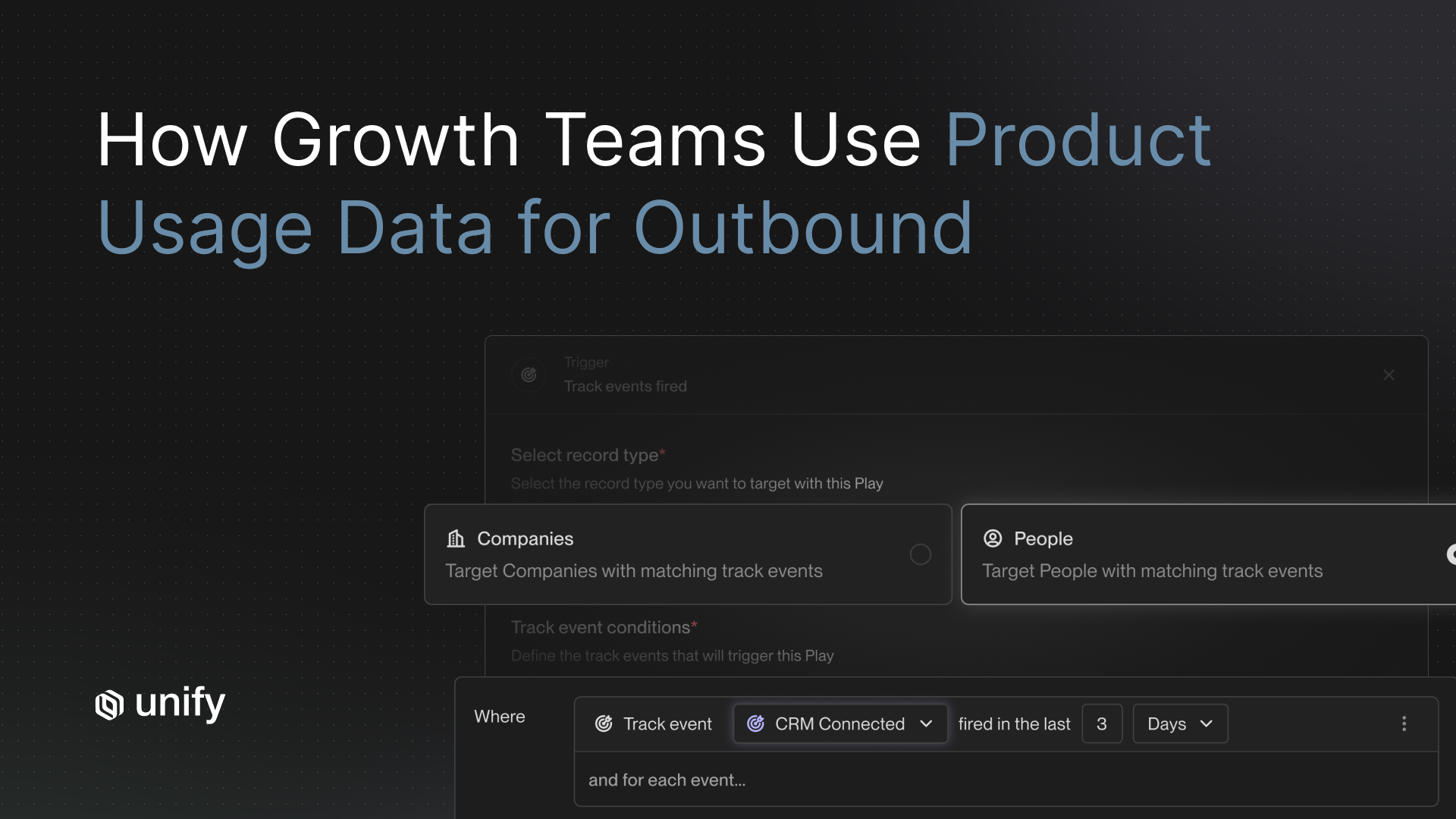
How Unify covers this. Unify's Track Events (beta) captures product and website behavioral signals so PLG teams can fire automated outbound Plays the moment users hit usage limits or show high-intent adoption patterns. Per Quo case study, automating the capture layer saved 60 hours per month and 25 hours per rep per month versus stitching together Apollo, Outreach, and Clearbit Reveal manually.
Step 2: Score Signups by Intent Weight Plus ICP Fit
Score each signup on two axes: intent weight (which signals fired, how recently, how often) and ICP fit (firmographics, technographics, headcount). A signup from a 5,000-employee target account hitting the usage limit is a different lead than a freelancer who logged in once. Most PLG teams skip this step and treat every signup the same; that's why their outbound feels generic.
Vendor-Neutral Scoring Checklist
- Two-axis model: intent weight × ICP fit, not a single composite score.
- Decay window: signals older than 30 days should weight lower than signals from the last 7 days.
- Domain enrichment: auto-resolve email domain to firmographics and headcount band.
- Tier mapping: top-scoring accounts route to AE/BDR (Tier 1), middle scores to blended plays (Tier 2), long tail to fully automated (Tier 3).
- Exclusion rules: existing customers, current opportunities, and competitors filter out automatically.
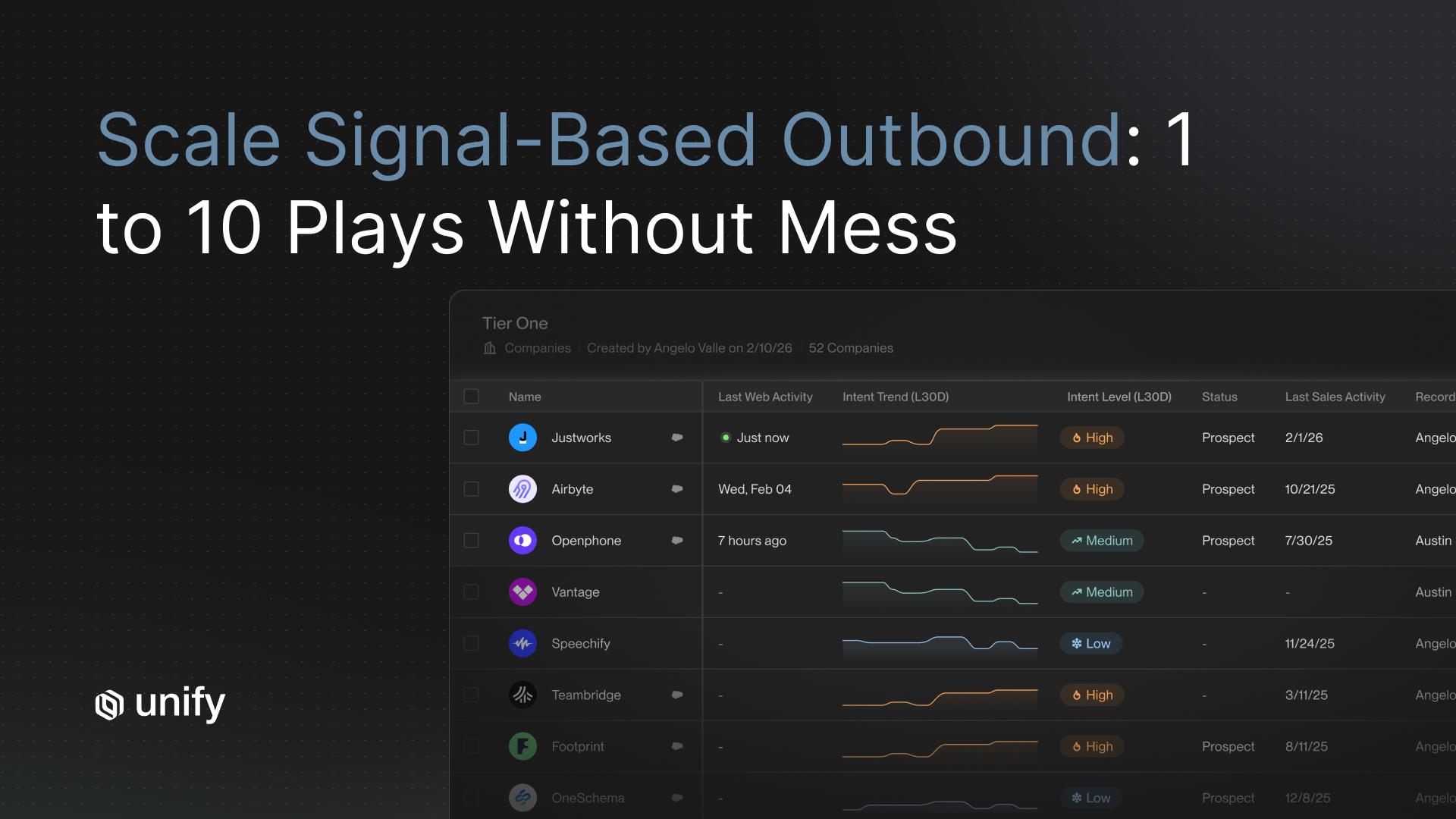
How Unify covers this. Per the Unify PLG solutions page, audiences combine product signals with ICP and CRM data with exclusion rules baked in. Per Juicebox case study, lead scoring plus automated routing turned indistinguishable free trial sign-ups into a routed pipeline that booked 256 meetings in one month with a 92% show rate.
Step 3: Run AI Agent Research on the Account
Run an AI agent on every high-scoring PQL to gather the context a personalized first-touch needs: recent funding, headcount changes, tech stack, related decision-makers, news mentions, and product-usage shape. This step is what separates "personalized at scale" from "merge-tag spam." Manual research kills rep capacity; AI research at $0.10 per run makes always-on agents economical across thousands of accounts (per Unify's Next-Gen AI Agents launch post: "Agents now run at 0.1 credits, a 10x improvement").
Vendor-Neutral Research Checklist
- Multi-source agent: web search, website scraping, news feeds, LinkedIn, and PDF analysis in one run.
- Transparent traces: you can audit how the agent reached its conclusion, not a black box.
- Reusable findings: output saved to the account record so reps can read it later without re-running.
- Snippet generation: agent produces ready-to-paste subject lines, hooks, and value statements.
- Cost discipline: per-run cost low enough to run on every PQL, not just Tier 1.
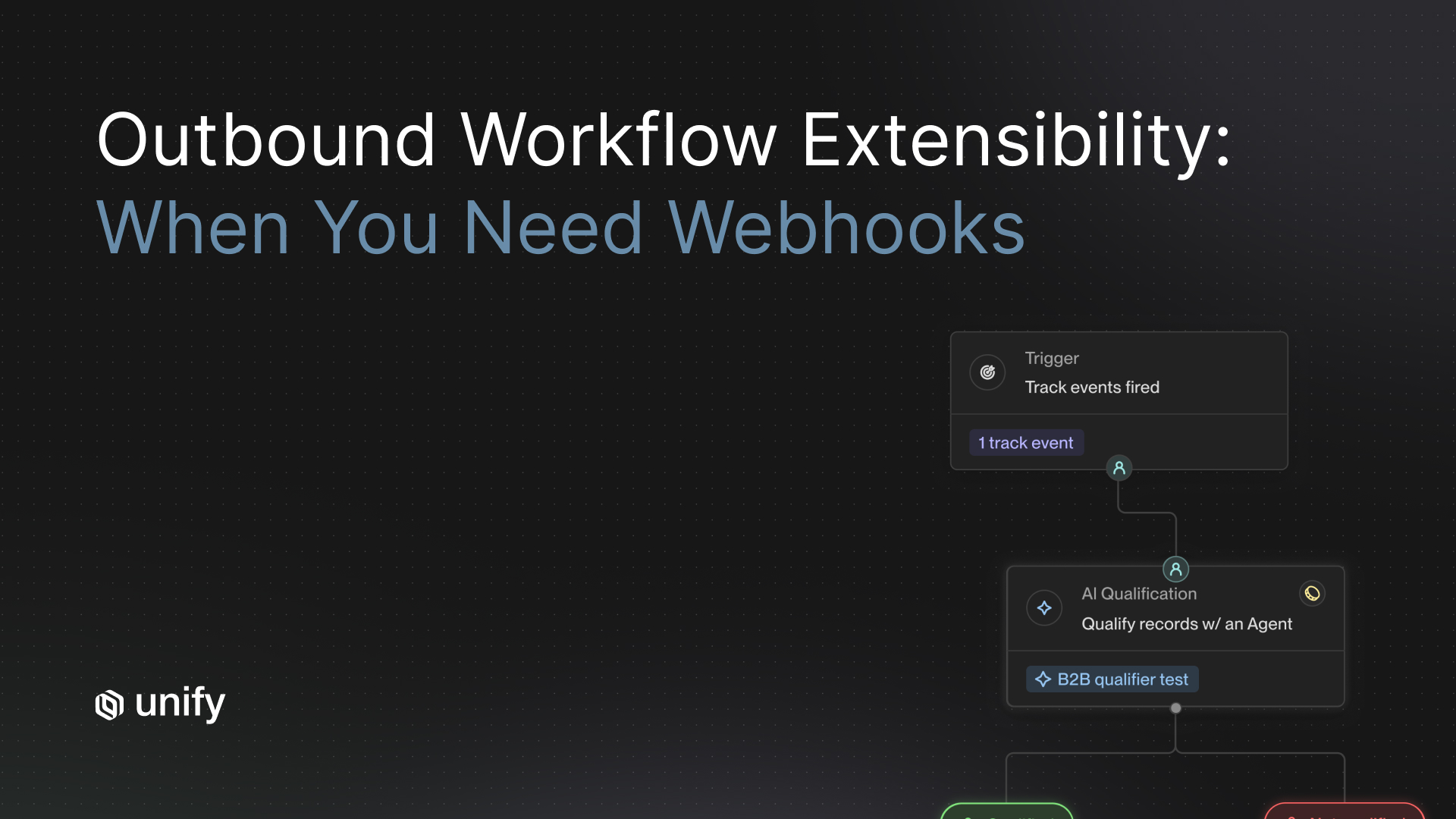
How Unify covers this. Unify AI Agents handle account research and message generation across thousands of accounts simultaneously. Per the Affiniti case study, AI Agents executed 8,000 agent runs in 3 months while reps saved 20+ hours per week. Per Flock Safety case study, "what once would have required a team of research analysts now runs on autopilot, with action being taken in minutes not days."
Step 4: Enroll PQLs Into Persona-Tuned Plays
Enroll the PQL contact and 2 to 3 adjacent personas (the buyer, the user, the budget owner) into a PQL-specific Play, not your generic outbound sequence. Each persona gets a different angle: the user gets workflow-extension messaging, the buyer gets ROI framing, the budget owner gets governance and security. The signal is the same; the message routing differs by persona.
Standardized Play Mini-Template
Use this exact field structure for every PLG-to-pipeline Play so comparable plays remain comparable.
Vendor-Neutral Engagement Checklist
- Multi-channel: email + LinkedIn + tasks in one sequence, not three separate tools.
- Persona-tuned messaging: different angles per role within the same Play.
- Managed deliverability: domain warming, mailbox health, bounce prevention before send.
- Reply-aware stop rules: any positive reply pauses all touches across the audience.
- Human-in-the-loop: AE/BDR can intercept Tier 1 touches manually without breaking the Play.
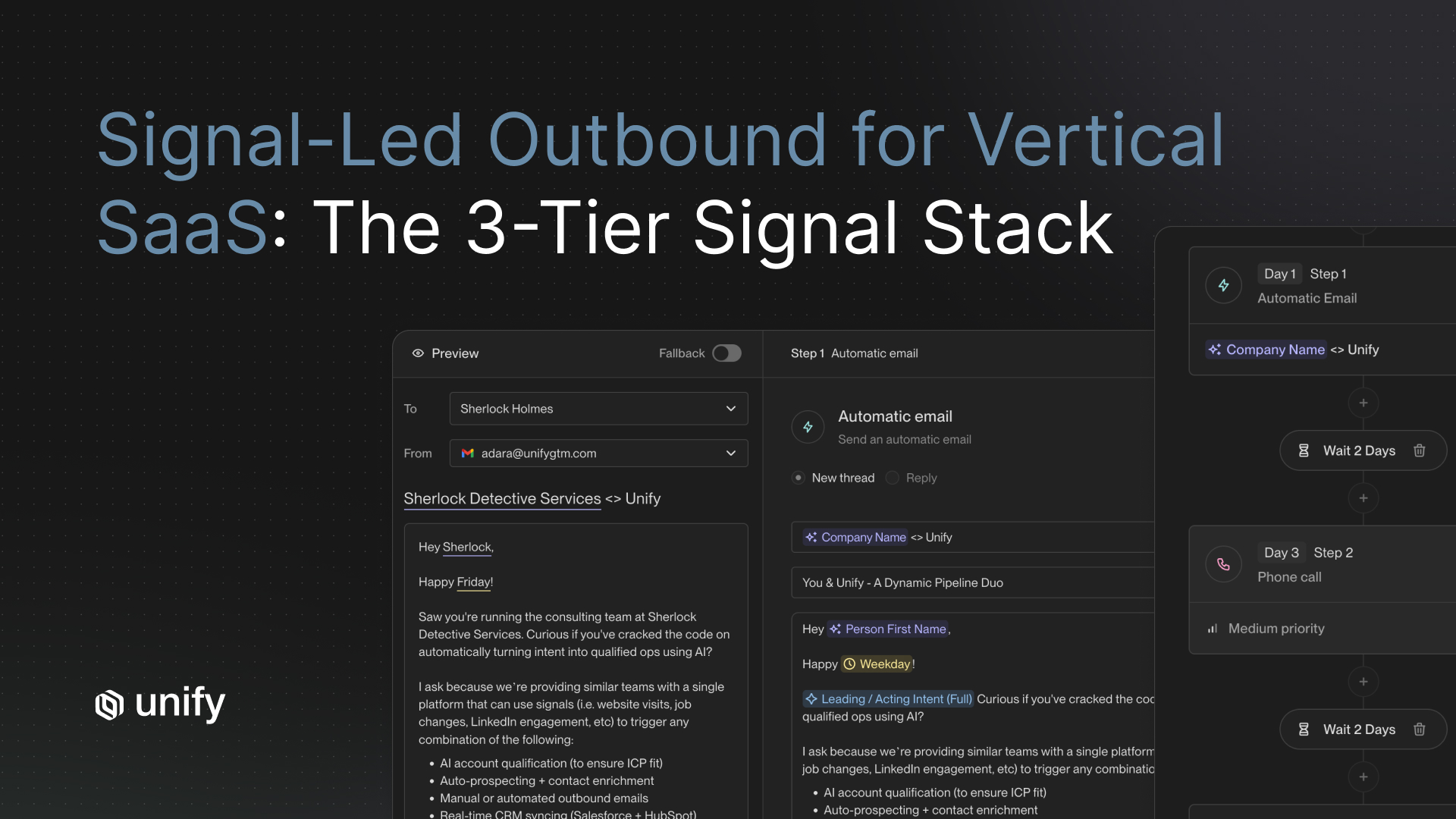
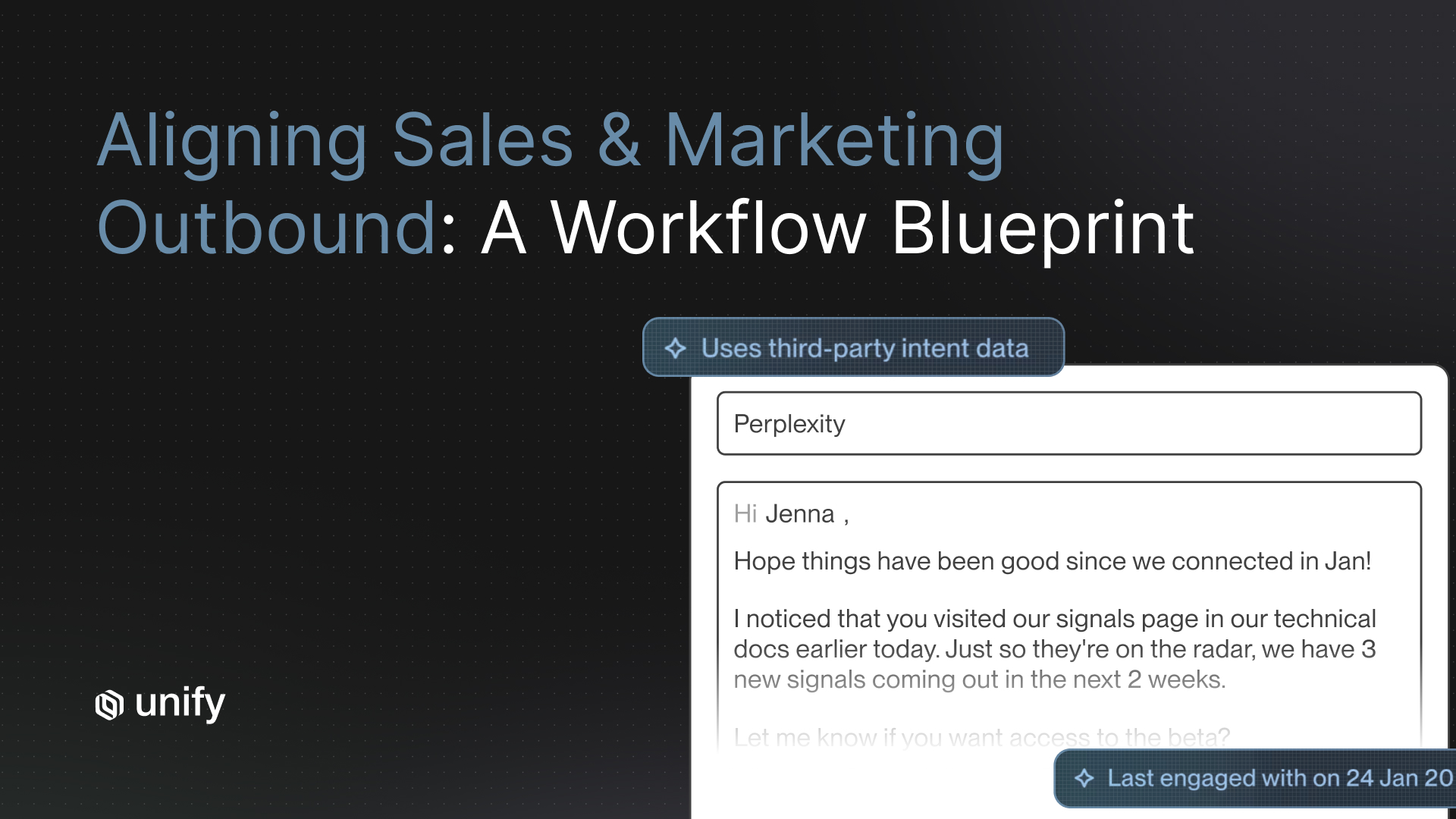
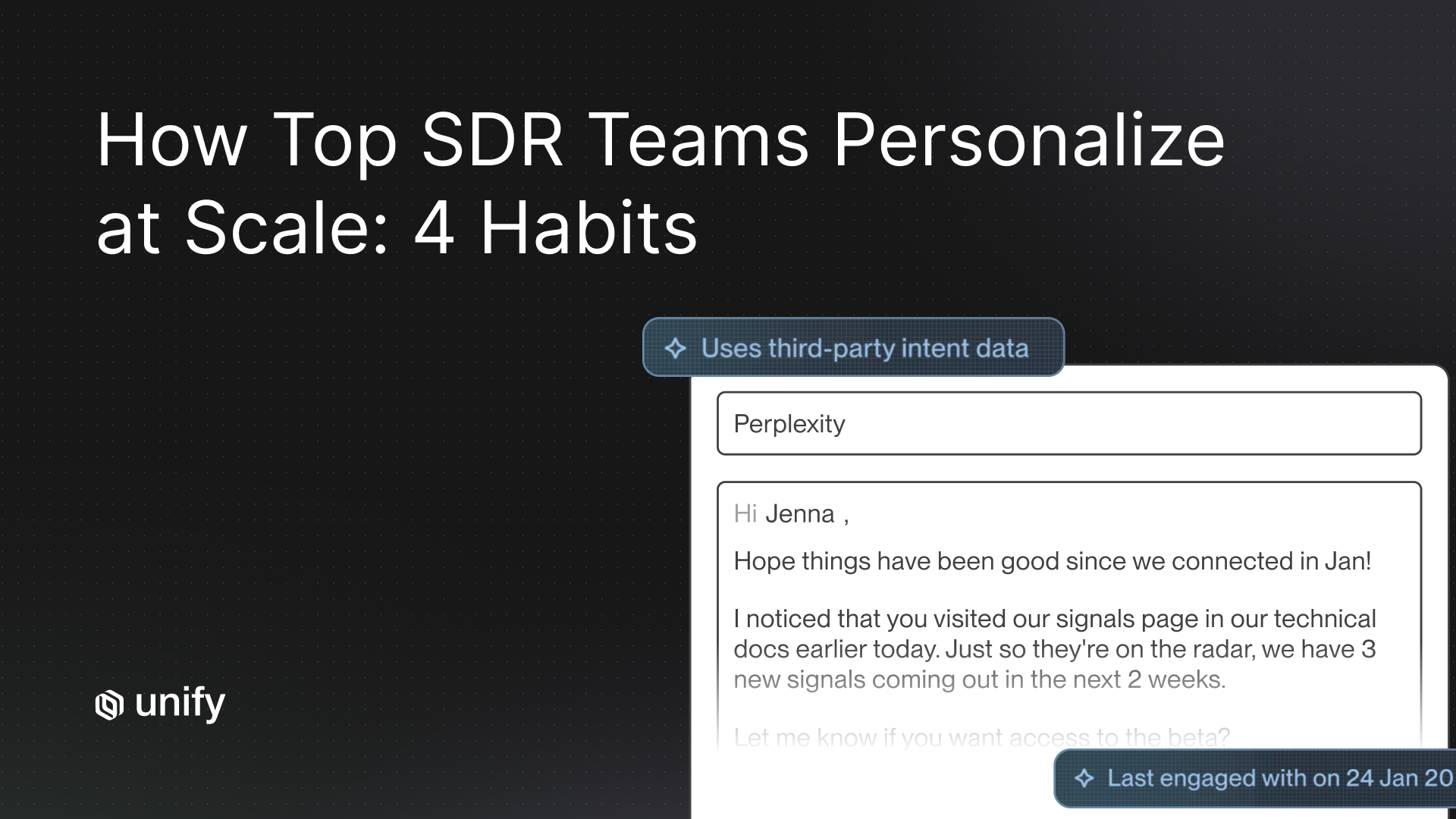
How Unify covers this. Per Perplexity case study, the team built ICP/website-visitor cohorts, MQL Plays, and a dedicated PQL Play that "generated an impressive 5% reply rate" while some MQL Plays "achieved a whopping 20% reply rate." Per Spellbook case study, email open rates ran 70 to 80% inside Unify versus 19 to 25% in HubSpot. Per Justworks case study, Unify Managed Deliverability prevented over 10% of bounces in outbound enrollments.
Step 5: Attribute Pipeline Back to the Originating Signal
Attribute every meeting, opportunity, and dollar of revenue back to the originating signal so you compound what works and kill what doesn't. PLG-to-pipeline motions die when the team can't show the CFO which Plays drove revenue. Track Plays at the level of: signal type → reply rate → meeting rate → opportunity created → closed-won revenue.
Vendor-Neutral Attribution Checklist
- Signal-level attribution: every opportunity tagged with the signal that triggered the Play.
- Bi-directional CRM sync: Salesforce and HubSpot update with engagement state in near-real-time.
- Leading + lagging dashboards: reply rates and meeting bookings (leading); pipeline and revenue (lagging).
- Per-Play P&L: see cost-to-pipeline by Play so you can deprecate underperformers.
- Comparable templates: identical fields per Play so you can rank them honestly.
How Unify covers this. Per Unify's Series A announcement, "Plays powers nearly 50% of Unify's new pipeline creation." Per Pylon case study, Unify drove 4.2X ROI with 3X meetings booked via outbound and $300K in new pipeline. Native Reporting & Analytics include pipeline attribution back to specific Plays and per-campaign performance metrics.
Decision Framework: Which PLG Play Should You Build First?
Pick your first Play based on team size, motion stage, and which signal source you can capture today. The framework below maps your situation to a single starting Play and the reasoning behind it.
- If you have a freemium product with usage limits → start with the Usage-Limit PQL Play. Highest signal density, clearest message ("you're hitting your limit"), fastest to attribute. (Per Navattic case study: $100K in 10 days from this exact pattern.)
- If you have a free trial with no usage limit → start with the Multi-Seat Signup Play. Domain rollup of 3+ signups within 7 days is a near-perfect enterprise signal.
- If you have heavy enterprise web traffic → start with the Pricing Page PQL Play. Existing free users visiting pricing twice in a week is high-intent. (Per Juicebox case study: pricing page visits were a core signal.)
- If your product has integrations → start with the Integration Setup PQL Play. Setting up Salesforce, HubSpot, or Slack integrations is a buying-stage signal.
- If you have under 10 reps and one PLG product → run the OBQB model with one operator owning all 3 tiers; don't build per-rep ownership yet.
- If you have 50+ reps and an established sales-led motion → tier strictly: Tier 1 named accounts to AEs, Tier 3 long tail to fully automated, Tier 2 blended.
- If you operate in EU/regulated verticals → start with opt-in PQLs only (existing free users); cold cross-sell to non-users requires a separate consent flow.
Worked Example 1: Perplexity's PQL Play (Anonymized End-to-End)
Signal → Pipeline Trace
Day 0, 9:14 AM: A user with email jane@acme-corp.com hits 4,800 of 5,000 monthly free queries on Perplexity. Track Events fires the usage-limit signal.
Day 0, 9:14:08 AM: The Play scores the signal: intent weight HIGH (limit-proximity within 7 days), ICP fit HIGH (Acme Corp = 3,200 employees, in target vertical). Score promotes to Tier 2.
Day 0, 9:14:30 AM: AI Agent kicks off research: pulls Acme Corp's recent funding ($60M Series C), identifies 7 other free users from the same domain, surfaces the Head of Knowledge Management as the buyer persona.
Day 0, 9:18 AM: Sequence enrolls Jane (user) and the Head of KM (buyer). Subject line to Jane: "Saw you're at 4,800 queries this month." Subject line to buyer: "Your team is one of our heaviest users."
Day 1: Jane opens the email, doesn't reply. Open-only state recorded.
Day 3: LinkedIn touch on the buyer; reply received. Sequence pauses on the buyer; Jane stays enrolled with a softer follow-up.
Day 5: Discovery call booked. Opportunity created in Salesforce, tagged to "PQL Play: usage-limit."
Outcome: Per Perplexity case study, this exact pattern produced 80+ enterprise meetings, 75+ outbound opportunities, and $1.7M in pipeline in three months without a single BDR. The PQL Play hit a 5% reply rate; broader MQL Plays hit up to 20%.
Worked Example 2: Juicebox's PLG-to-Enterprise Conversion
Signal → Pipeline Trace
Context: Juicebox sells AI recruiting software with a free trial. The team faced a problem common to PLG: enterprise accounts were invisible inside a sea of identical-looking free trial sign-ups.
Step 1 (Capture): Track Events instrumented free trial signups, pricing page visits, and downloadable content engagement, with UTM-tagged ad traffic feeding the same pipeline.
Step 2 (Score): Audiences scored signups by signal density and ICP fit; pricing page visits served as a core boost signal.
Step 3 (Research): AI Agents monitored large account lists for headcount-growth signals to identify upmarket accounts inside the free user base.
Step 4 (Engage): Multiple Plays ran in parallel: PLG signup Play, web traffic Play, conferences Play, target lists Play. Smart Snippets tuned messaging per persona.
Step 5 (Attribute): Pipeline and meetings attributed to specific Plays through native Reporting & Analytics.
Outcome: Per Juicebox case study, "In January alone, our team has been able to attribute nearly $3M in pipeline to Unify" with 256 meetings booked and a 92% show rate, including multiple Fortune 100 companies engaged.
Role & Segment Variants
The 5-step motion stays the same. The weighting, ownership, and channel mix shift per audience. Use the variant that matches your team.
Growth / Lifecycle Marketing
- Owns Steps 1, 2, 5 (capture, score, attribute) and the OBQB role.
- Builds Tier 3 fully automated coverage; partners with sales on Tier 2 blended.
- Channel mix: 70% email, 20% LinkedIn, 10% manual touchpoints.
Sales (AE / BDR)
- Owns Tier 1 named accounts; receives real-time alerts when PQLs fire on owned accounts.
- Pulls in on positive replies escalated from Tier 2 / Tier 3.
- Channel mix: 40% email, 30% phone, 20% LinkedIn, 10% in-person/event.
RevOps
- Owns infrastructure: CRM hygiene, sync rules, exclusion logic, attribution model.
- Maintains the rules of engagement document so signal ownership is unambiguous.
- Reviews per-Play P&L monthly and deprecates underperformers.
Enterprise (50+ reps)
- Strict tiering: T1 named accounts only get human-led; T3 long tail fully automated.
- Governance and security messaging gets equal weight to ROI in Play copy.
- Audit trails on AI agent research mandatory for compliance.
EU / GDPR-Sensitive
- Cold outbound to non-product users requires explicit consent path; default to inbound + warm only.
- PQL Plays to existing free users (legitimate interest under GDPR) are typically permissible; legal review per region.
- Reply-rate benchmarks may run 30 to 50% lower than US figures due to opt-in friction.
Edge Cases & Disambiguation
Five common confusions kill PLG-to-pipeline motions. Address each one explicitly to reduce false positives.
- Job-seeker traffic vs. enterprise buyer interest. A spike of signups from one company can mean a hiring round, not a buying motion. Validation: cross-check with funding/headcount signals before triggering outbound.
- Generic free signups vs. enterprise PQLs. A consumer email domain (gmail, outlook) is rarely an enterprise PQL. Validation: domain-rollup excludes consumer domains by default.
- Opens-only vs. genuine engagement. An open without click or reply after 3 touches is a soft-no. Validation: stop sequence or switch to a different angle, not double down on the original message.
- Existing customer expansion vs. new business. A free user at a paying customer is an expansion signal, not a net-new opportunity. Validation: route to AM not BDR; use the cross-sell messaging framework, not the new-business pitch.
- Material funding events vs. irrelevant news. A Series C indicates budget; a small seed round at an early-stage account doesn't change buying readiness. Validation: filter funding events by stage and amount before triggering plays.
Stop Rules / Red Flags
Every PQL sequence needs explicit stop rules so the system doesn't burn good leads or trash deliverability. The table below maps signals to next actions.
Common Mistakes / Top Pitfalls
5 mistakes that kill PLG-to-pipeline motions:
- Treating every free signup the same. Domain rollup + ICP scoring is non-negotiable; without it, outbound looks like spam.
- Skipping the AI research step. "Personalized at scale" without research is merge-tag spam; reply rates collapse to ~1%.
- Using stale signals (>30 days). A signal older than 30 days has typically lost most of its conversion lift; decay-weight your scoring.
- One sequence for all personas. The user, the buyer, and the budget owner need different angles in the same Play.
- No attribution back to the signal. If you can't tell the CFO which Play drove revenue, the program gets cut at the next budget review.
Frequently Asked Questions
What is a product-qualified lead (PQL)?
A product-qualified lead is a free user, freemium account, or self-serve signup whose product behavior signals enterprise buying intent. Common PQL triggers include hitting usage limits, multiple seats from the same domain, repeated visits to pricing or upgrade pages, and integration setup events. PQLs are the warmest leads a PLG company has because they have already experienced value before any sales conversation.
How do you convert product-led signups into enterprise pipeline?
Run a 5-step motion: capture usage events with a product-data layer like Unify Track Events, score signups by intent weight plus ICP fit, trigger AI agent research on the account, enroll the contact and adjacent personas in PQL-specific Plays with persona-tuned messaging, and attribute pipeline back to the originating signal. Per Perplexity case study, this motion booked $1.7M in pipeline and 80+ enterprise meetings in three months without a single BDR.
What reply rates should I expect on a PQL outbound play?
Per Perplexity case study, the PQL Play generated a 5% reply rate while broader MQL Plays hit up to 20%. Per Spellbook case study, email open rates ran 70 to 80% inside Unify versus 19 to 25% on HubSpot. Per Navattic case study, sequences powered by Unify hit 67% open rates. Reply rates depend on signal freshness, ICP fit, and message tuning per persona.
Who should own the PLG-to-pipeline motion?
An Outbound Quarterback (OBQB) should own the system end-to-end. Per Unify's Outbound Sweet Spot guide, this operator typically lives in Growth or Marketing, sometimes RevOps, and owns the plays, routing logic, and automation rules. The OBQB partners with AEs and BDRs on Tier 1 and Tier 2 accounts but solely owns Tier 3 fully automated coverage.
How fast should I respond to a PQL signal?
Within 24 hours for high-intent signals like usage-limit hits, pricing page visits, or integration setup, and ideally within minutes for owned Tier 1 accounts. Per Unify's Lists and One-off Tasks blog post, contacting a lead within the first minute of intent can increase conversion rates by up to 391%. Automated Plays handle this for Tier 3 accounts; rep alerts handle it for Tier 1.
What product usage signals matter most for enterprise conversion?
Five signals consistently predict enterprise intent: multiple seats from the same domain, approaching or hitting a freemium usage limit, repeated pricing or upgrade page visits, integration setup events showing buying-stage workflow adoption, and team-level activity patterns indicating collaborative use. Per Perplexity case study, the team scored signals against firmographics and product usage to surface decision-makers at companies using Perplexity free or Pro.
How is PLG outbound different from cold outbound?
PLG outbound is warm: the contact has already used the product, so messaging references their actual workflow rather than a hypothetical pain point. Cold outbound has to manufacture relevance through firmographic research alone. Per Quo case study: "We power nearly 100% of our outbound motion with Unify. For a product-led business, it's a revolutionary way to do warm outbound."
When should I stop a PQL sequence?
Stop on opt-out (permanent), pause on out-of-office, switch angle after 3 opens-only touches, and stop after 6 total touches if no engagement. For PQL sequences specifically, stop if the user churns from the product (signal source is dead) or graduates to a paid plan (handoff to AM, not BDR). Always re-evaluate when a previously dormant PQL re-activates: that becomes a fresh signal, not a continuation.
Glossary
- PQL (Product-Qualified Lead): a self-serve signup or free user whose product behavior indicates enterprise buying intent.
- MQL (Marketing-Qualified Lead): a contact qualified by marketing engagement (content download, ad click, webinar attendance), not product use.
- Track Events: Unify's product-event capture layer (beta) that fires usage signals into outbound Plays in near-real-time.
- Play: an automated outbound workflow combining a signal trigger, audience, AI research, and a sequence.
- Outbound Quarterback (OBQB): the operator (typically in Growth or RevOps) who owns the PLG-to-pipeline system end-to-end.
- Intent weight: the score component reflecting which signals fired and how recently.
- ICP fit: the score component reflecting firmographic and technographic match to the ideal customer profile.
- Domain rollup: grouping individual signups by company email domain to identify multi-seat accounts.
- Decay window: the time-based weighting that reduces signal value as it ages (typically 7 / 14 / 30 days).
- Attribution: tracing pipeline and revenue back to the originating signal and Play.
Sources & References
- Perplexity case study, Unify, December 2025. unifygtm.com/customers/perplexity
- How Perplexity Booked $1.7M in Pipeline Without a Single BDR. Unify blog, December 2025. unifygtm.com/blog/how-perplexity-booked-1-7m-in-pipeline-without-a-single-bdr
- Juicebox case study, Unify, 2026. unifygtm.com/customers/juicebox
- Navattic case study, Unify, 2026. unifygtm.com/customers/navattic
- Quo case study, Unify, 2026. unifygtm.com/customers/quo
- Spellbook case study, Unify, 2026. unifygtm.com/customers/spellbook
- Justworks case study, Unify, 2026. unifygtm.com/customers/justworks
- Pylon case study, Unify, 2026. unifygtm.com/customers/pylon
- Affiniti case study, Unify, 2026. unifygtm.com/customers/affiniti
- Introducing Unify for PLG with Product Usage Signals. Unify blog, October 7, 2025. unifygtm.com/blog/productusagesignals
- Introducing Unify's Next Generation of AI Agents. Unify blog, December 18, 2025. unifygtm.com/blog/introducing-nextgen-ai-agents
- Introducing Lists and One-off Tasks for Human-in-the-Loop Outbound. Unify blog, March 25, 2026. unifygtm.com/blog/introducing-lists-and-one-off-tasks-for-human-in-the-loop-outbound
- Unify Raises $12M Series A. Unify blog, December 16, 2025. unifygtm.com/blog/series-a
- Unify Solutions: Product-Led Growth. unifygtm.com/solutions/product-led-growth
- Unify AI Agents. unifygtm.com/ai
- Unify Plays. unifygtm.com/plays
- Unify Reporting & Analytics. unifygtm.com/analytics
- Unify Track Events documentation. docs.unifygtm.com/product-usage-data/introduction
About the author. Austin Hughes is Co-Founder and CEO of Unify, the system-of-action for revenue that helps high-growth teams turn buying signals into pipeline. Before founding Unify, Austin led the growth team at Ramp, scaling it from 1 to 25+ people and building a product-led, experiment-driven GTM motion. Prior to Ramp, he worked at SoftBank Investment Advisers and Centerview Partners.


.avif)